


Purchase AI Data Center Tycoon
Product Description

AI Data Center Tycoon
Simply increasing the facilities is not enough.
Install computing facilities, manage cooling and power, and fulfill customer contracts. It is a 2D management simulation where you grow your own AI data center by reinvesting profits into facilities and research.
What to install, which contracts to take on, and when to expand. The Center's next choices depend on you.
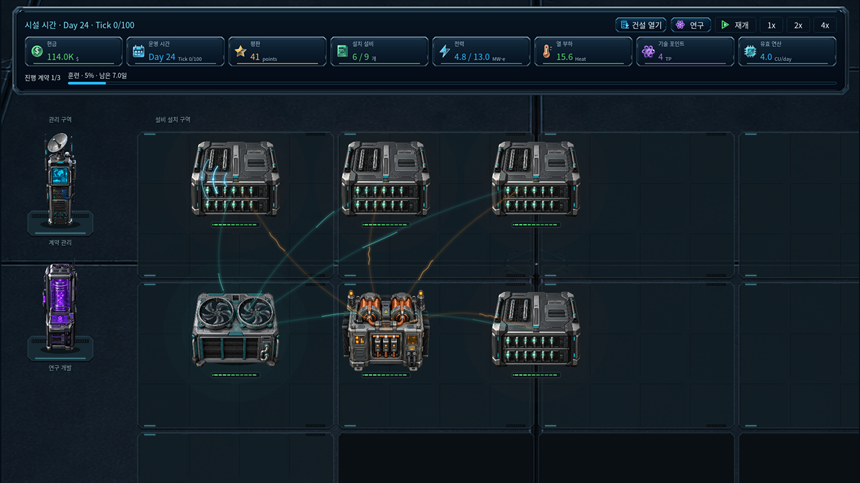
Configure your own data center
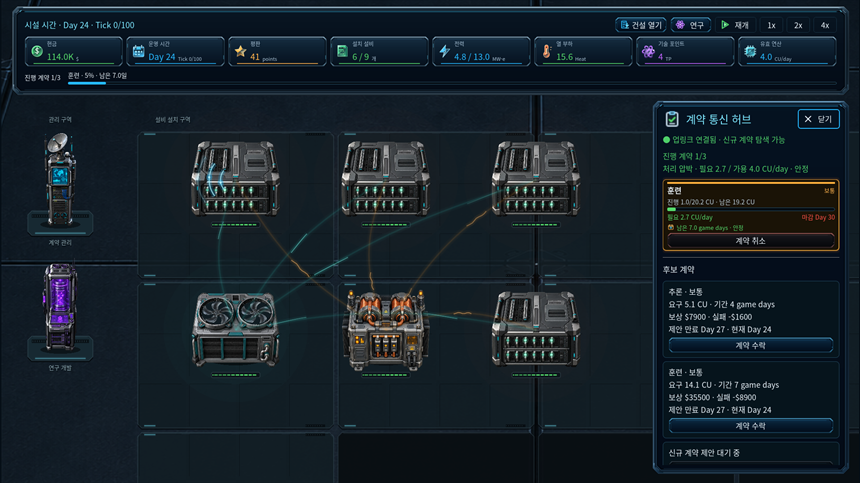
While processing equipment handles customer workloads, cooling equipment manages heat, and power equipment supports operations. Review installation space and equipment limits to determine the necessary investment for now.
More facilities are not always the answer. If power and cooling are insufficient, the increased computing power may not be properly utilized.
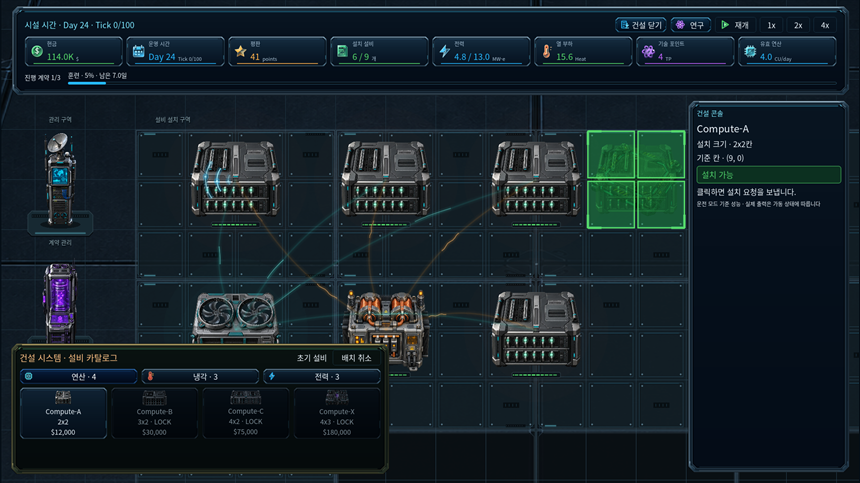
Deadlines are just as important as rewards.
Workload, deadlines, compensation, and penalty for failure vary for each contract. Taking on multiple contracts simultaneously will result in the center's processing capacity being shared.
Compare your current throughput with your remaining time rather than accepting based solely on high rewards. You can complete contracts to earn revenue and prepare for the next expansion.
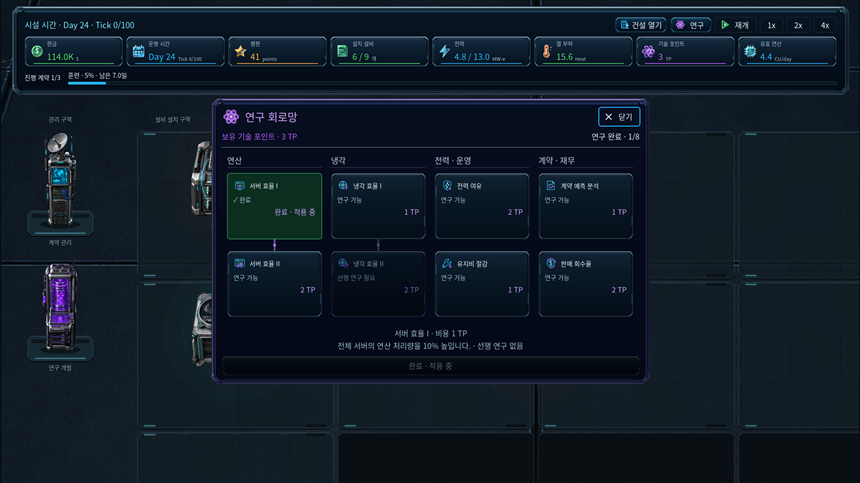
Ensure stable operations through research and maintenance.
Invest in research to improve operational efficiency, such as processing and cooling. It is also important to inspect the condition of equipment and adjust operating modes and maintenance schedules.
Reduced throughput due to breakdowns or power/cooling shortages can impact the contract schedule. Find a balance between expansion and stability.
Even if it's your first time, take it step by step
In the Play Guide, you can examine facilities, contracts, and operation methods along with actual game footage. Check achievement conditions in the Goal Details and Operation menus, and utilize the pause and speed-up functions to manage at your own pace.
It supports Korean and English interfaces. The initial launch starts in English, and you can change it to Korean in Settings. The Play Guide explanations are displayed in the selected language, and the instructional screenshots use the English screen.
Product Reviews
Product Review GuidelinesOther products from this Creator/Publisher

Smilegate, Inc., Megaport Branch CEO: Sung Joon Ho Address: 7F, 55, Bundang-ro, Bundang-gu, Seongnam-si, Gyeonggi-do, Korea
Business Registration Number: 813-85-02492 Telecommunication Service Registration Number: 제2023-성남분당A-0145호
© Smilegate. All Rights Reserved.