Wishlist
Stream Hearts

Product Info

Purchase Stream Hearts
Product Description

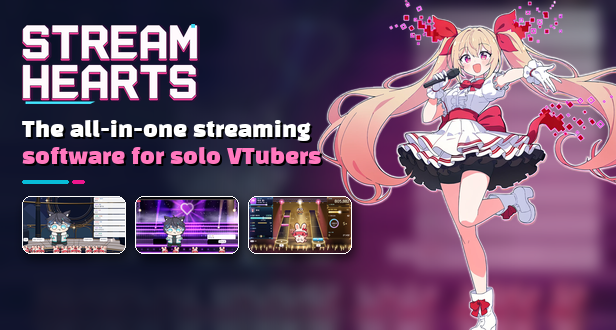
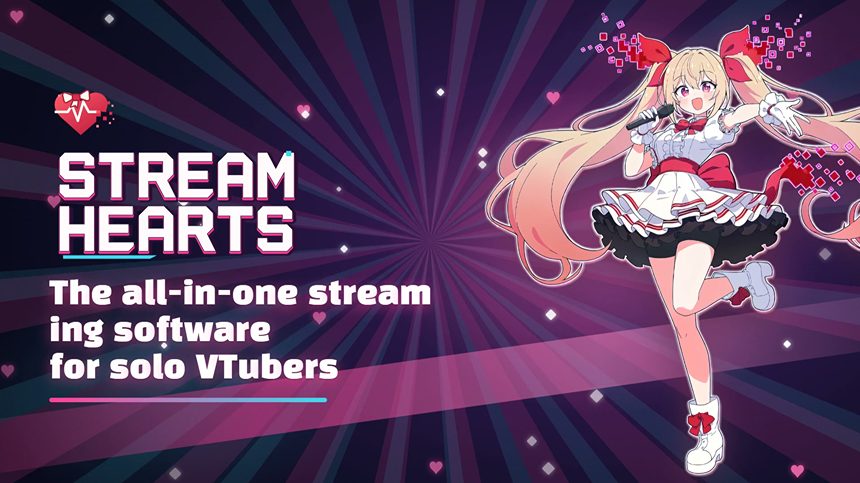
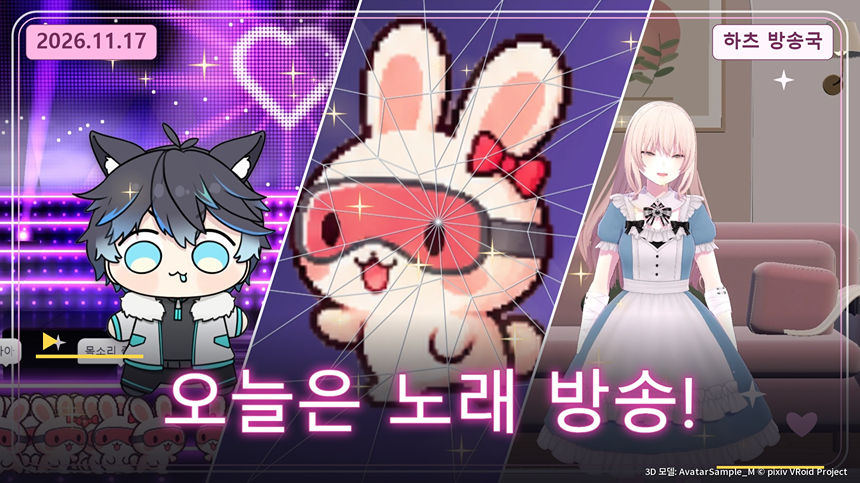
The all-in-one streaming software for solo VTubers
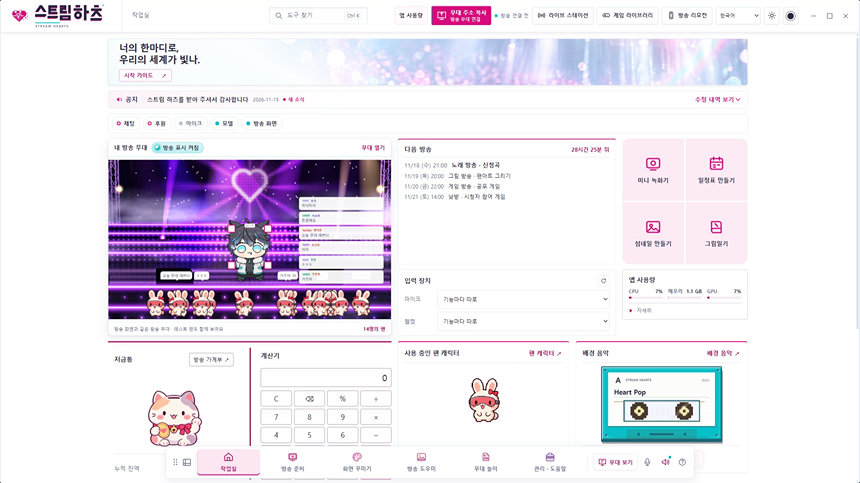
Model setup, going live, playing with your viewers and wrapping up afterward. Stream Hearts is built so a VTuber who streams alone can run the whole show from one app instead of juggling several programs.
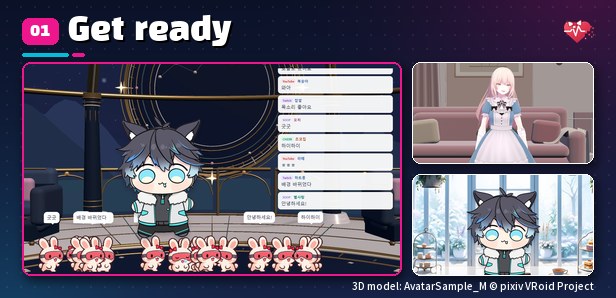
Get ready
- 2D Studio: Finds the model programs you have open (VTube Studio, VSeeFace, Warudo and more) and connects them in one go, matching the background and trimming menu bars for you. Set backgrounds, camera and screen effects here too.
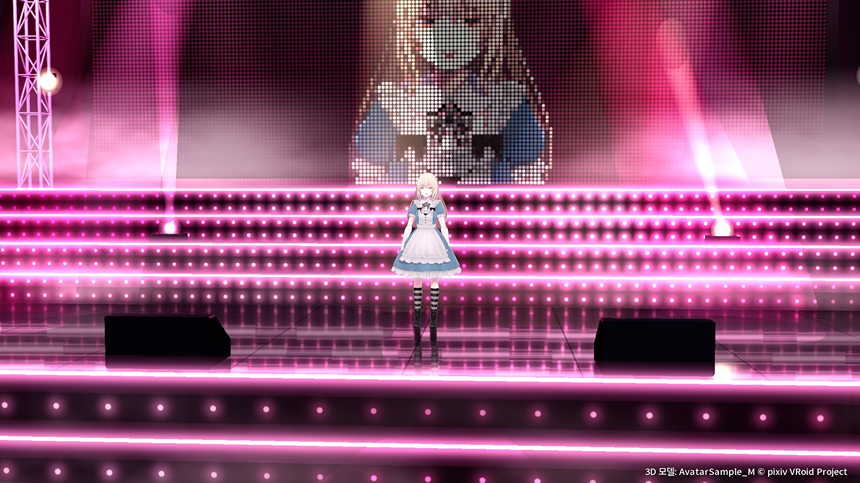
- 3D Studio: Load a VRM model and let your webcam drive its face, hands and body. It can also receive VMC and iFacialMocap data, or send poses to other programs over VMC.
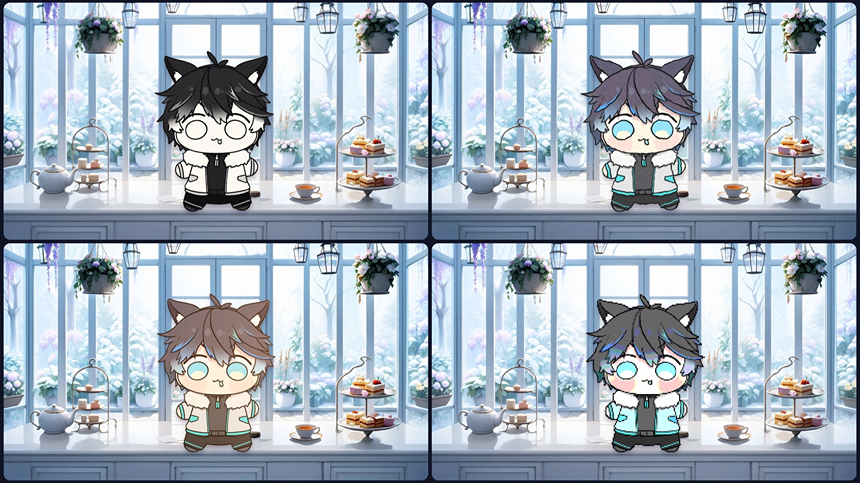
- SD Model: Build your own pixel model from hair, outfit and face parts.
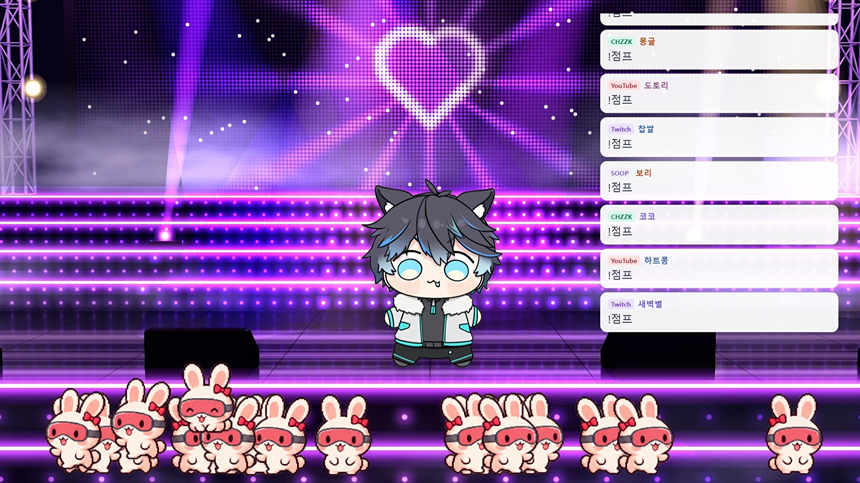
- Broadcast Stage: Lay down backdrops, lighting and weather, then place props to dress up your stream. Club lighting moves to the beat of your music.
- Stream Connections: Connect CHZZK, YouTube, Twitch or SOOP chat.
- Audio Effects & Mic Warnings: Add noise removal and voice effects to your mic, and get alerted when you talk while muted.
- Broadcast Checklist: Run through a pre-stream checklist and save setups for different kinds of streams.
- Getting Started: On first launch, a guide walks you through the real menus in order.
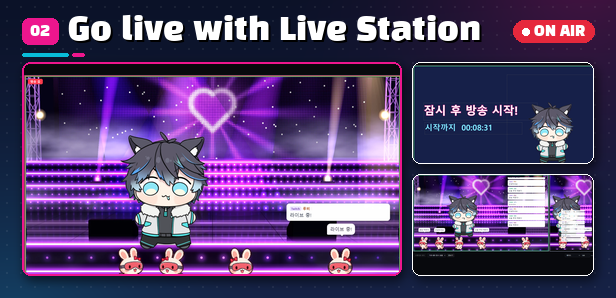
Go live with Live Station
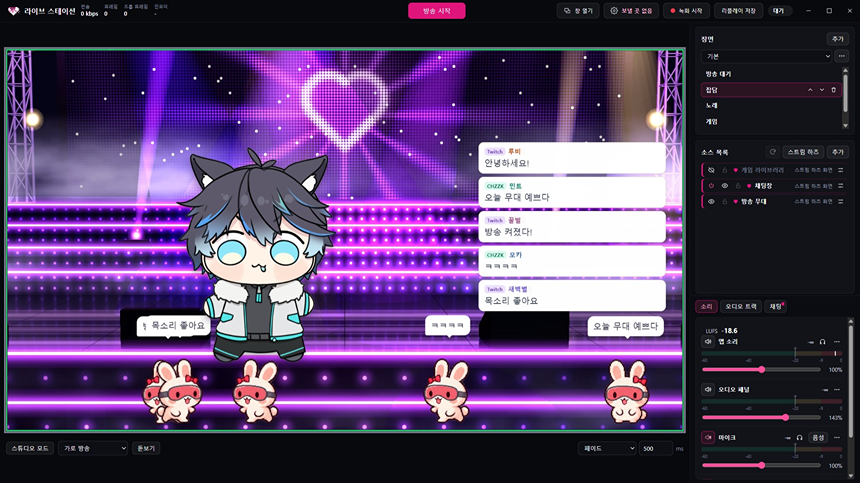
- Live Station: Build scenes, stream to CHZZK, YouTube, Twitch or SOOP and record, right inside the app with no other broadcasting software.
- Scenes & sources: Drop in feature screens such as the stage or chat box without copying any address, alongside game, display, window and Spout2 captures, images and video.
- Destinations: Stream to several platforms at once, or send landscape and portrait streams at the same time.
- Mic voice panel: Pick a preset for chatting, gaming, singing, ASMR and more, or fine-tune it yourself.
- Recording & replay: Record separately from the stream and save the moment that just happened as a replay.
- Streamer-only windows: Windows such as the Broadcast remote and Live Station stay out of screen capture.
- Already use broadcasting software? Add any feature's output address as a browser source (1920×1080).
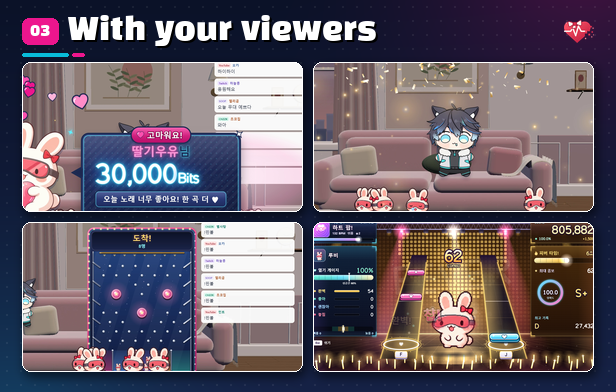
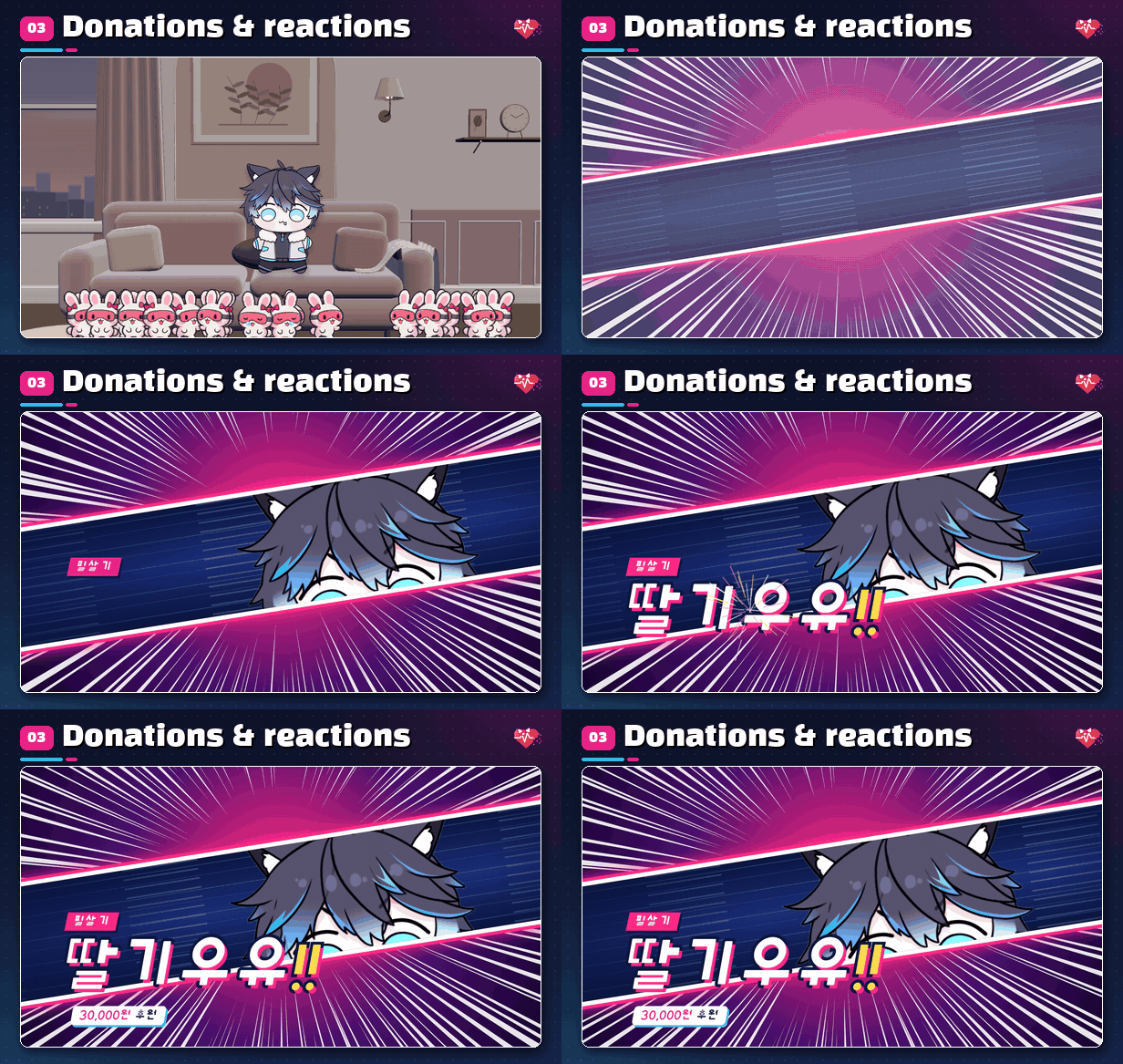
Donations & reactions
- Reaction Settings: Preview reactions and load them into cartridges, then use the same reactions from Donation Alerts, Donation Gacha, Motion & Voice Reactions and Custom Board. Give each cartridge a chat word so chat can trigger it too.
- Donation Alerts: Set images, sounds, text and reactions for each amount tier, and choose alert card designs and full-screen reactions.
- Donation Gacha: Set up missions for yourself with tiers and odds, and donations roll them as single or 10x pulls.
- Motion & Voice Reactions: Hand signs and expressions read by your webcam, plus spoken words, fire reactions.
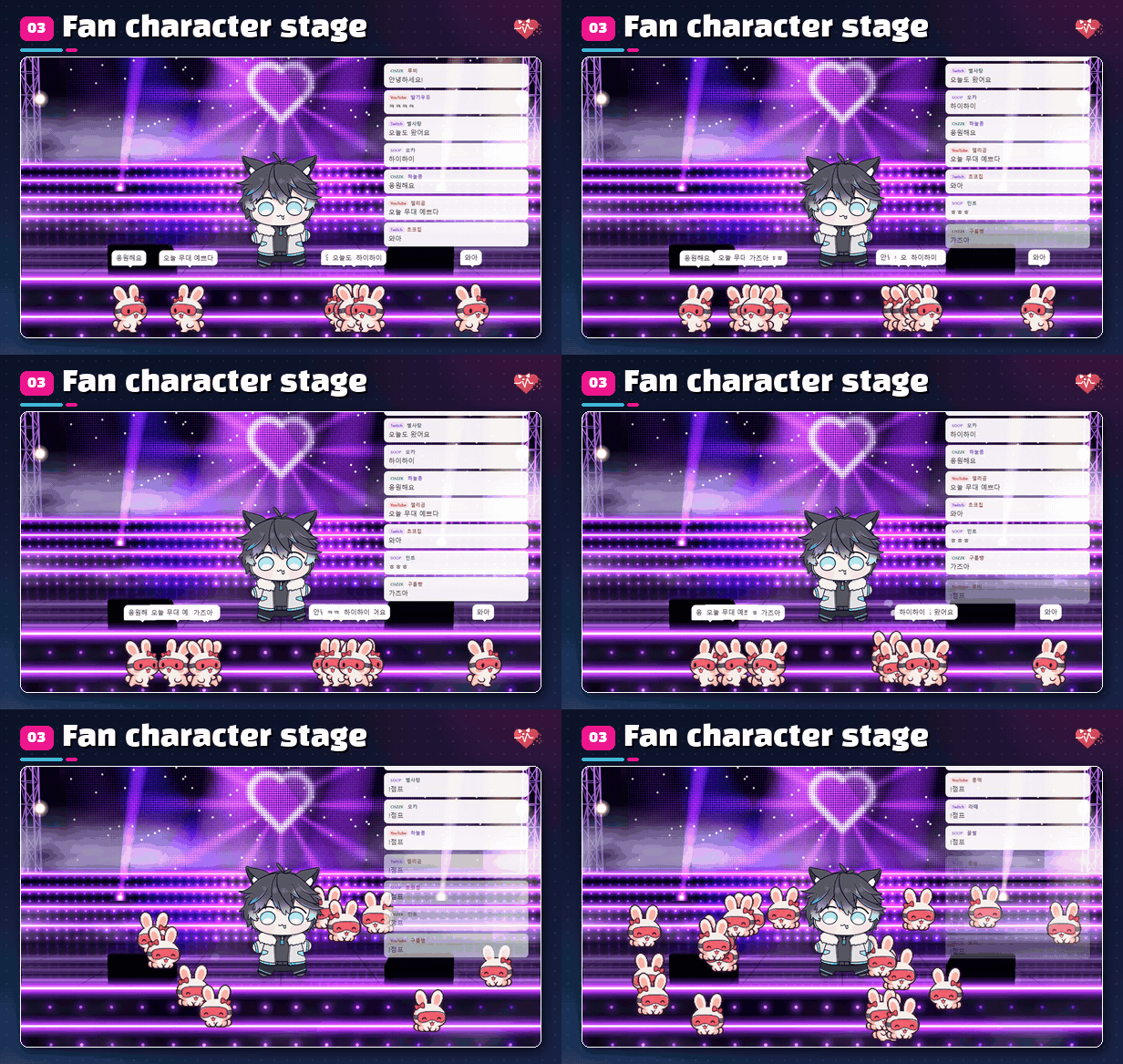
Fan character stage
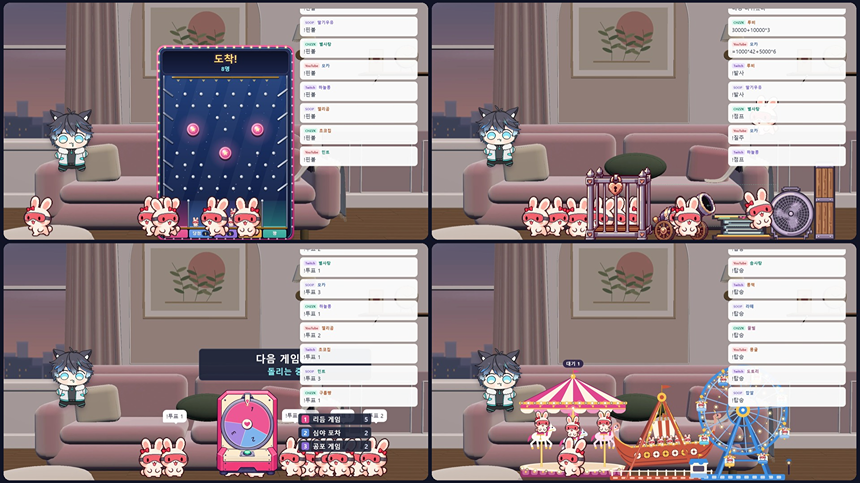
- Fan Characters: When viewers chat, their fan characters appear on stage with name tags and speech bubbles. You can lock a character to each viewer.
- Stage play boards: Place pinball, O/X, ladder, number baseball, voting, tic-tac-toe, Gomoku, claw machine and fireworks on the stage and play with chat.
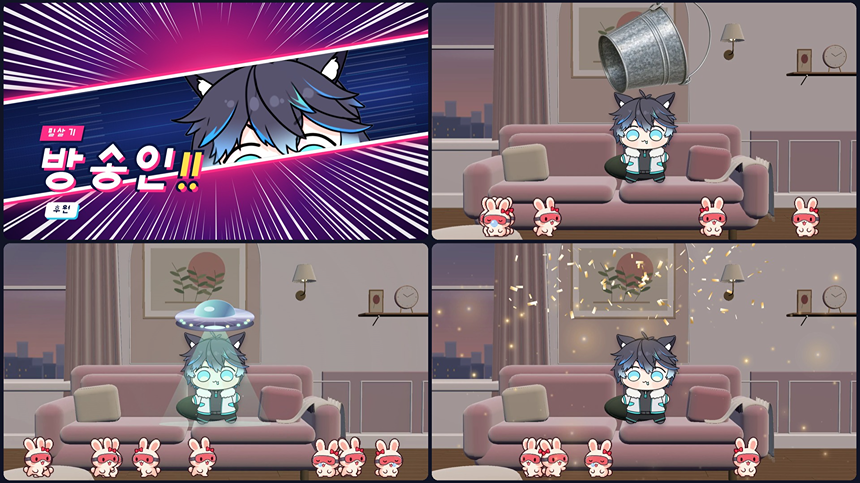
- Rides & hydraulic press: Fan characters hop on rides with chat commands and get flattened by the press.
- Squishy table: Click a fan character on stage and a table rises for squishing, washing and dressing up.
- Stage Adventure: Your stage turns into an 18-stage platformer. Your SD Model is the hero, and viewers join from chat as fan characters.
- Mischief-makers: Troublemakers crash the stage and viewers drive them off through chat.
Chat
- General Chat: Gathers chat from multiple platforms into one chat box on stream.
- Chat Poll: Enter options and start; fans vote by typing a number in chat.
- Chat Topics Now: Collects frequent words in chat and shows them as trending topics.
- Chat Mood: When the same reaction floods the chat, the screen edges light up.
Games on the side
Open the Game Library from the top bar and that one window becomes your game window.
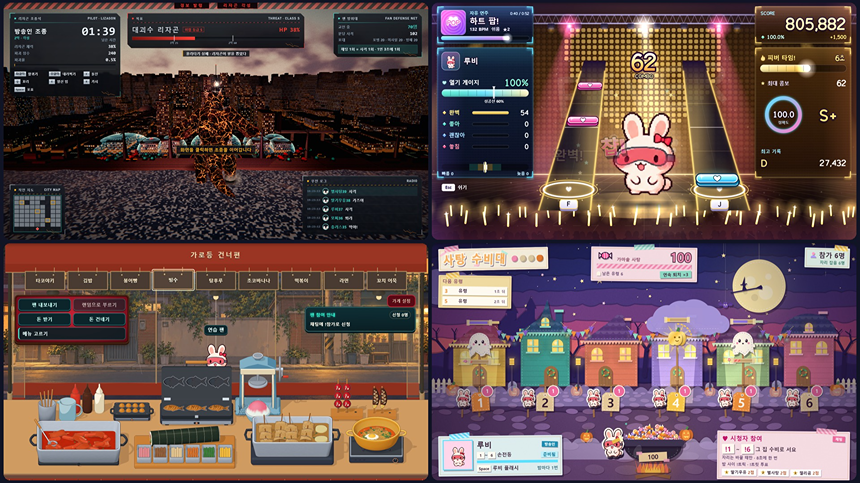
- Kaiju Lizagon: You pilot the kaiju while viewers fire at it through chat.
- Rocklike: Roll a stone through zone after zone while fans cheer you on in chat.
- Cheek Slap Rhythm: A rhythm game where you tap cheeks on the beat.
- Midnight Pocha: Fans order in chat and you cook up stall dishes.
- Halloween 3: Pick Candy Patrol, Lantern Night or Trick or Treat from one tile.
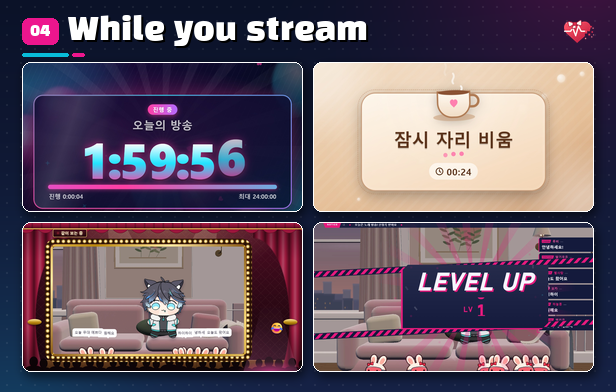
While you stream
- Stream End Timer: Donations and memberships add time before the stream ends.
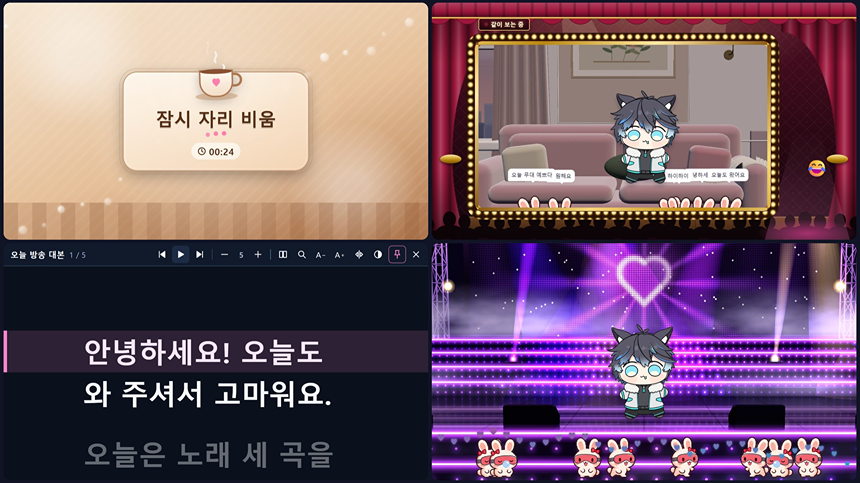
- Away: Switches to an away screen when keyboard, mouse and mic go quiet.
- Sound Pad & Background Music: Play sound effects and your own music with hotkeys and playlists.
- Game HUD: Show levels, counters, a ticker and today's goal, and match widget colors to a game theme in one step.
- Script Prompter: Shows your script in a window that stays out of the stream capture.
- Broadcast remote: A small window over other apps for turning features on and off.
- Also included: Timer · Clock, On-Screen Calendar, Notes, Audio Reactive, Eye Tracker, Keyboard & Mouse Display, Broadcast Cursor, Watch-Along Frame, Stinger · Standby and Image Slides.
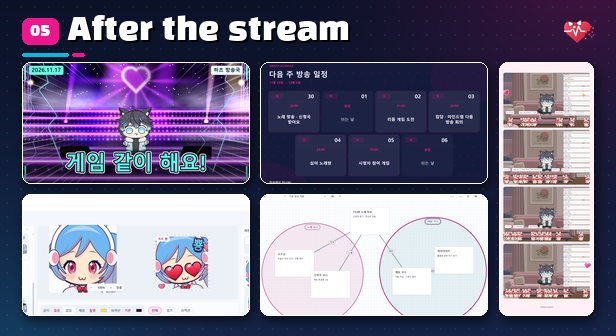
After the stream
- Record & Edit: Record a window or screen and cut out the parts you need. Quick Video Tools and GIF · Frame editing are here too.
- Highlight Notes: Look back at the fun moments you marked during the stream.
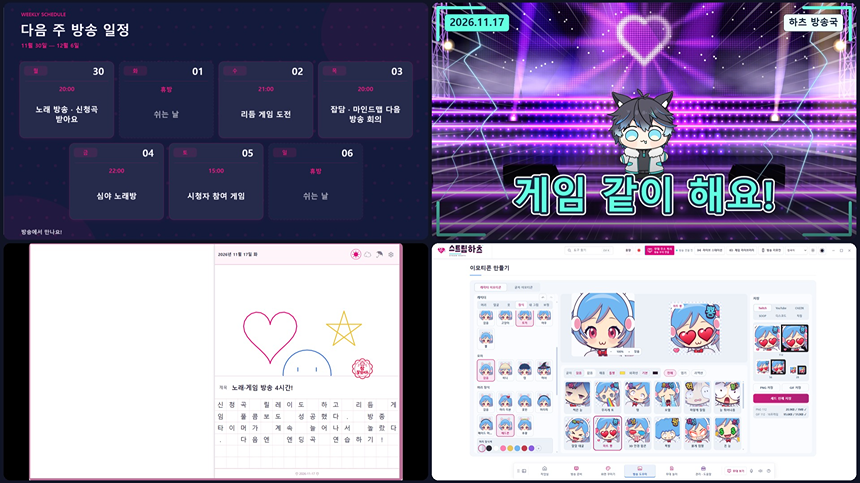
- Thumbnails, schedules & banners: Make replay thumbnails, weekly schedules and banner images.
- Emote Maker: Dress up a character, make animated emote GIFs and save them as platform-sized sets.
- Capture studio: Snap photos of your stage and edit them right away. Donations or motions can also take instant 4-cut photos.
- Mind Map: Organize ideas for your next stream with linking lines and grouping circles.
- Broadcast Ledger: Log income and expenses; donations are recorded automatically. Check it from the piggy bank on the Workbench.
- Also included: Drawing Helper, Picture Diary, Visual Novel Maker, QR Code Maker, Custom Board and Simple Personal Board.
Good to know
- Streaming from Live Station requires the stream key from each platform.
- Chat connections need internet access and account authorization for each platform; features may vary by platform.
- Chat and output may be delayed depending on your setup.
- The webcam is used only to recognize your face and hands; webcam video is never shown on any screen, recorded or sent.
Before you buy
- This app is for 64-bit Windows 10/11.
- The app is available in Korean, English, Japanese and Simplified Chinese.
- Please use only characters, images and music you have the rights to use.
Product Reviews
Product Review GuidelinesSmilegate, Inc., Megaport Branch CEO: Sung Joon Ho Address: 7F, 55, Bundang-ro, Bundang-gu, Seongnam-si, Gyeonggi-do, Korea
Business Registration Number: 813-85-02492 Telecommunication Service Registration Number: 제2023-성남분당A-0145호
© Smilegate. All Rights Reserved.