
Purchase S.O.I.: Sphere of Influence
Sale ends after 2026.11.30 19:54(EST)
Product Description

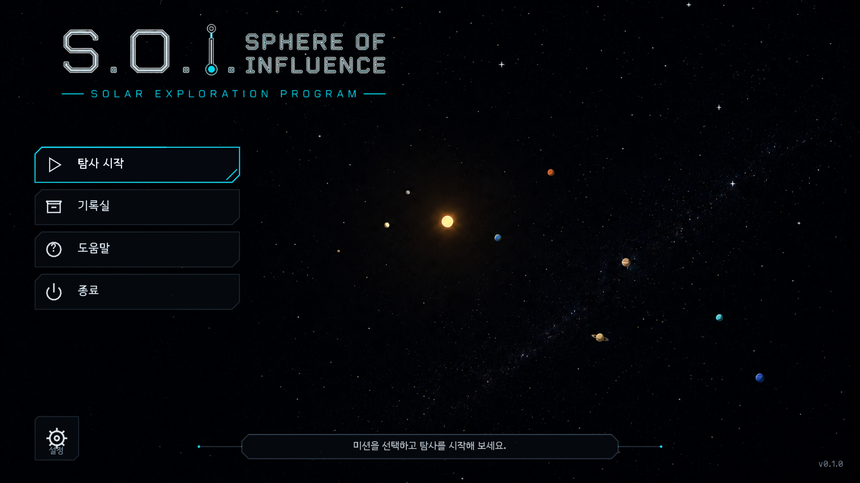
SOI — Sphere of Influence
Create a path across the solar system with a single small maneuver.
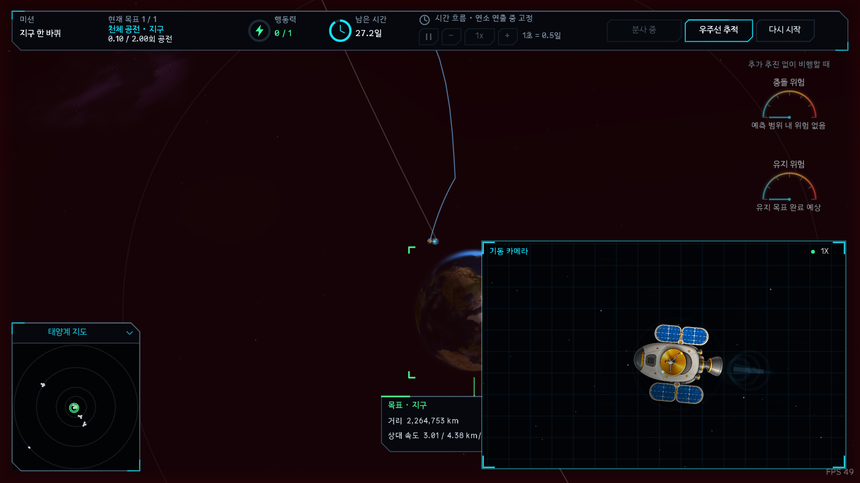
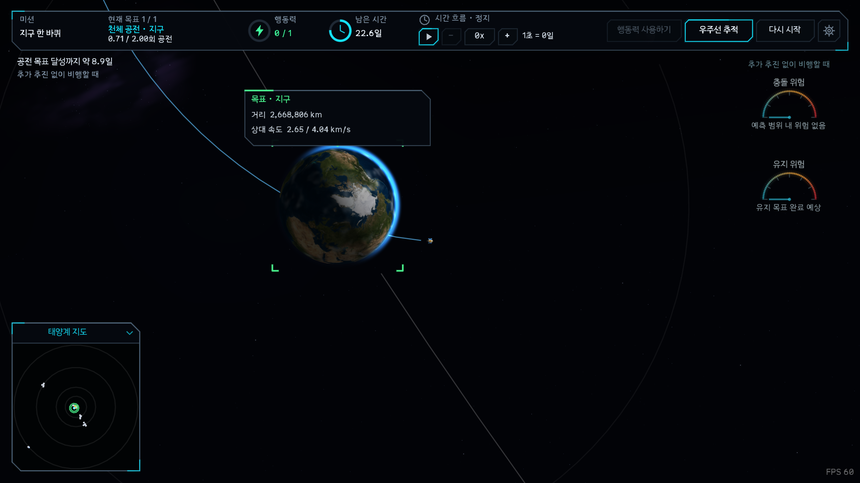
Once the probe leaves Earth, a constantly moving planet and the vastness of space unfold before it. Simply accelerating toward the destination is not enough. One must consider where the planet will be upon arrival, how gravity might alter the course, and whether there will be enough capacity left to slow down at the last moment.
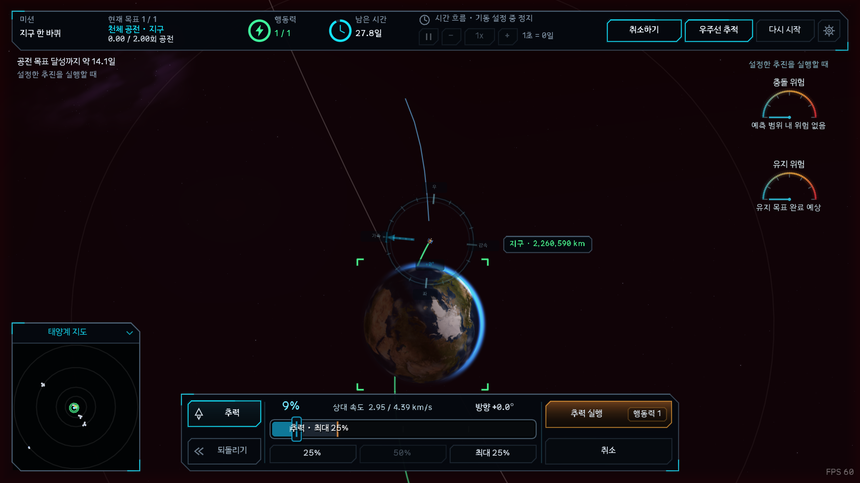
SOI is a 2D space navigation puzzle game where you observe moving celestial bodies and gravity to solve exploration missions with limited action points. Watch the flight, then open the maneuver settings at the moment you want to adjust the thrust direction and power. Examine the predicted trajectory before executing a maneuver, and your choices will lead you to a new course.
Read gravity and find the moment of the swingby.
Planets are both destinations for exploration vessels and opportunities to change course.
When a spacecraft passes close to a planet, its direction and speed change due to gravity. Depending on the direction of approach and how close it passes, completely different journeys are created even on the same planet.
Experience the moment when a seemingly long detour heads toward the next destination with a single close flyover, and a probe that appeared on the verge of missing its target reaches it with a small maneuver. The more you understand gravity, the further you can go with fewer actions.
When, in which direction, and to what extent will it be pursued?
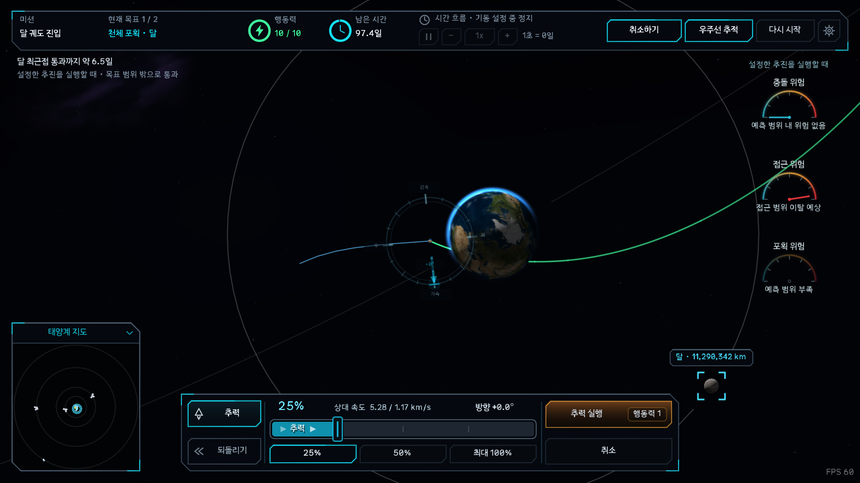
A single operation contains three choices.
- Timeframe: Before approach, the moment it passes closest, after leaving the planet.
- Direction: Accelerate in the direction of travel, decelerate in the opposite direction, or push sideways to correct the course.
- Output: Adjusting within the mission's tolerance range, from small corrections to large orbit changes.
Even with the same direction and output, the result differs depending on the timing of execution. The core of the puzzle lies in the process of deciding whether to use remaining action points now or wait for a more effective moment.
Before expending all your action points on acceleration, think about what happens after you arrive. Flying close to the target and arriving while satisfying the required distance and speed conditions are different tasks.
Experiment with the predicted trajectory and understand it with your own eyes.
During maneuver settings, the predicted trajectory based on the selected direction and output is displayed. You can compare how the course changes as you make slight adjustments to the settings, and examine the future probe and the positions of surrounding celestial bodies.
You do not use action points while checking or canceling an operation. Please execute only after observing thoroughly and understanding.
You can develop a sense of space navigation by observing the curvature of orbits and the movement of planets without the need to manually input formulas.
Exploration challenges that vary by mission
Exploration does not simply end with approaching a destination. Depending on the mission, you will challenge yourself with different objectives, such as escaping the gravitational pull, performing close flybys of celestial bodies, or arriving and orbiting under designated conditions.
Completing the current objective unlocks the next stage. Solve objectives sequentially within limited action points and mission time to complete your own unique course.
Look back on your previous choices and try different possibilities.
If the course did not go as expected after the maneuver, you can use the rewind function to review the time of the most recent maneuver.
You can preview the status of up to three recent saved action points for free and return to a selected point using 1 remaining action point. Previously used action points are not refunded, and additional action points are required to execute a new push after returning.
Decide whether you can save the course with a single return or attempt a different approach from the start. Even a failed flight serves as experience for your next choice.
Review the completed routes and build a record of your exploration.
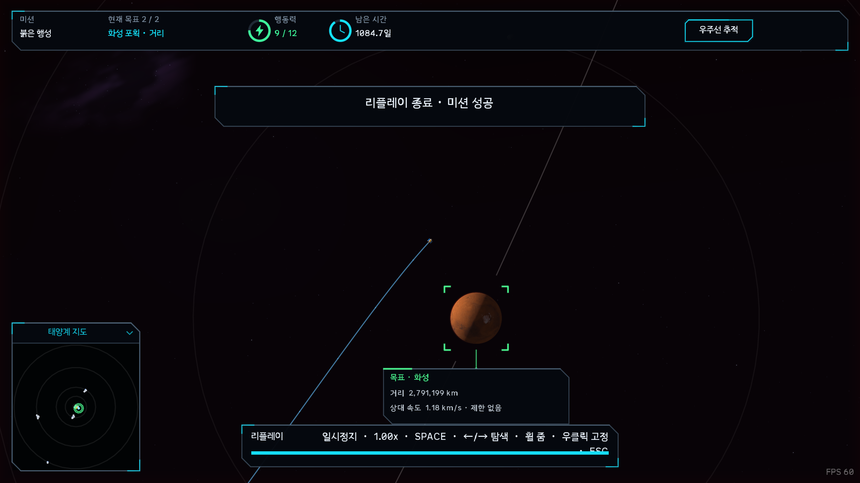
Upon successfully completing a mission, you can review your route and key maneuvers through Flight Retrospective. See how the choices that shaped the outcome lead to a single journey.
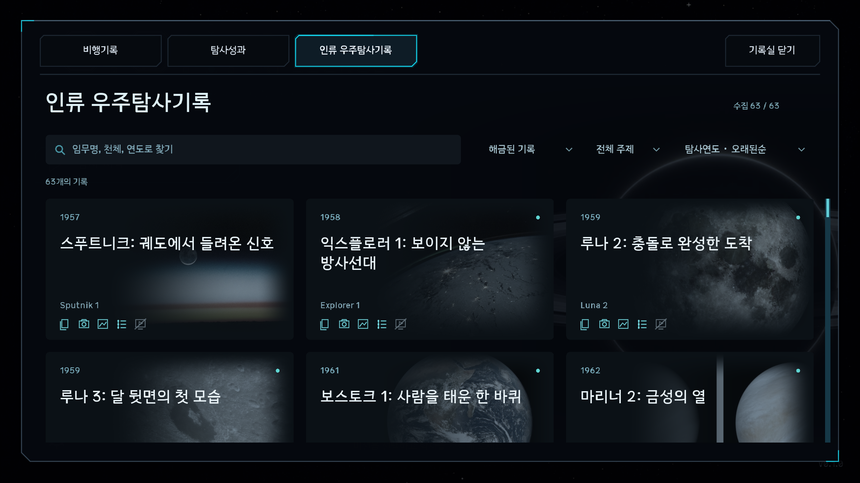
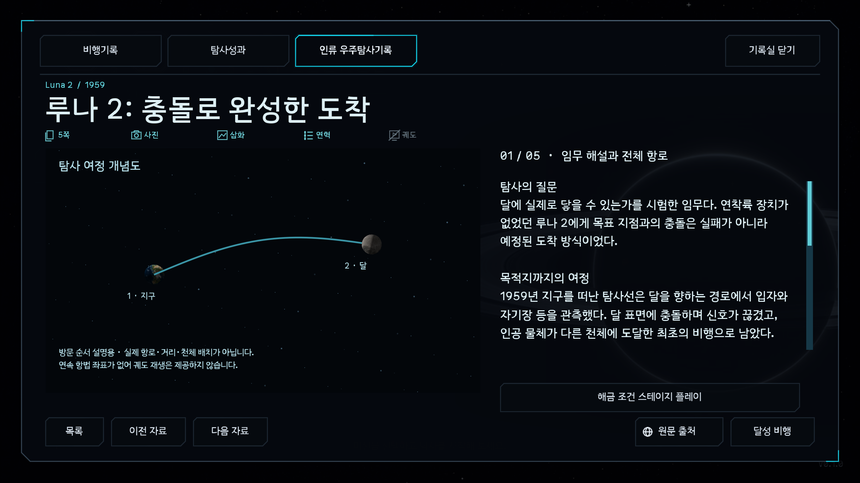
As you accumulate exploration achievements, historical resources on space exploration are also unlocked. By examining stories, images, and provided flight path data from actual missions, you can connect your flights to the broader history of exploration.
Observe calmly, and focus when necessary.
You can increase the time multiplier when cruising long distances, and slow down or pause time in sections requiring precise judgment. Refer to the following incident alerts and navigation hazard indicators, and use the auto-deceleration feature in the flight options to examine critical approach zones.
The dark universe, moving planets, and subtle background music and sound effects enhance the atmosphere of exploration. Look at the solar system from afar, then zoom in close to the probe to experience the joy of observing the flight you created.
Operation method
You can operate startup settings and screen buttons with a mouse, and major functions can also be used with the keyboard.
Control functions
| Space | Open activation settings when action points are available |
| Space / Enter | Confirm the thrust or return selected in the maneuver settings |
| Direction control system click/drag | Adjusting the direction of action |
| Drag the output slider | propulsion output control |
| ← / → | Direction control in propulsion mode, point movement in reversal mode |
| Shift + ← / → | Finely adjust the direction of implementation |
| mouse wheel | Zoom in/out |
| Right-click on the space background | Camera movement |
| Right-click on the celestial body | Open celestial menu |
| Top time button | Pause/resume time and speed control |
| = / − | Speeding up/down during flight |
| Esc | Cancel maneuver settings and resume flight, exit confirmation during normal flight |
| R | Confirm mission restart |
| Space / Enter / Esc | Skip to Successful Direction and Flight Retrospective |
If you start exploring for the first time
First, examine the planet's movement and current goals. Start by changing the output small and compare the differences in the predicted orbit, and also plan for the deceleration required to reach the destination.
Flight continues even after all action points are used. Watching how far the last determined trajectory extends is also part of the exploration.
If you love space and enjoy puzzles where you find solutions through observation and experimentation, create your first voyage in SOI.
Product Reviews
Product Review GuidelinesSmilegate, Inc., Megaport Branch CEO: Sung Joon Ho Address: 7F, 55, Bundang-ro, Bundang-gu, Seongnam-si, Gyeonggi-do, Korea
Business Registration Number: 813-85-02492 Telecommunication Service Registration Number: 제2023-성남분당A-0145호
© Smilegate. All Rights Reserved.