K-SIM
Product Info
Purchase K-SIM
Product Description

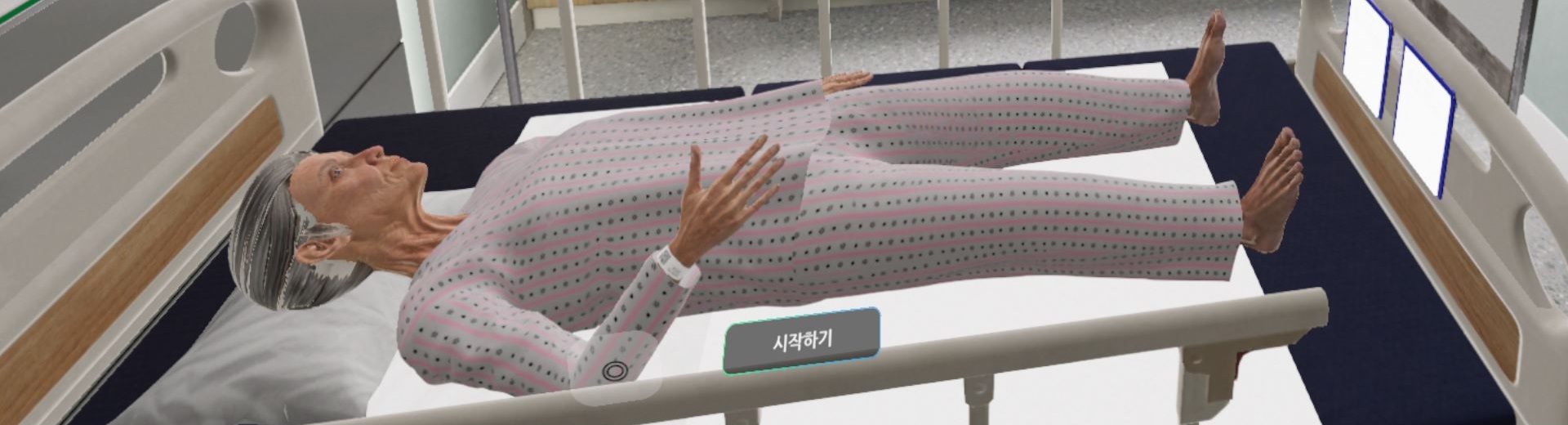
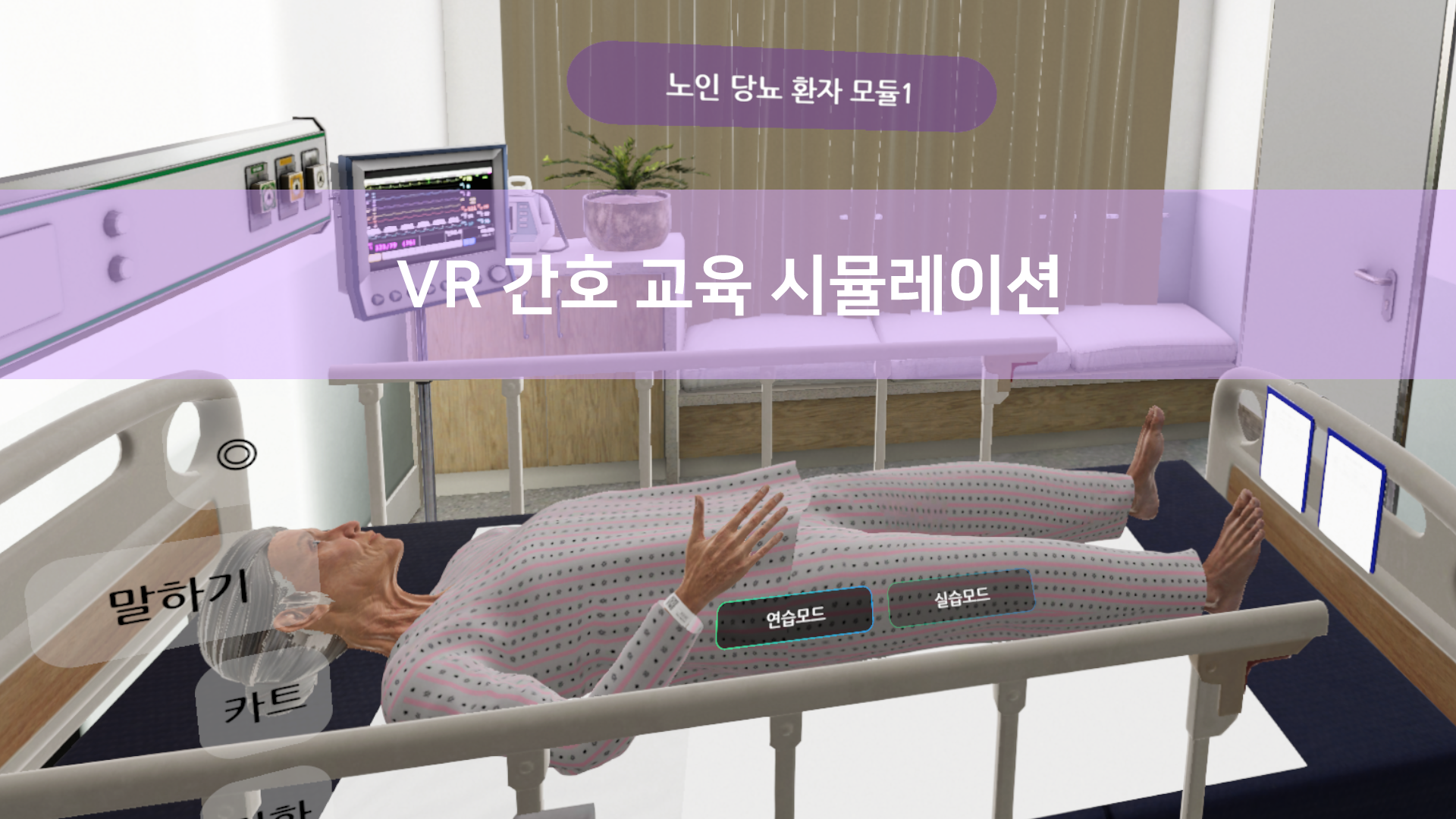
K-SIM stands for Korea Virtual Reality Simulation, a game-based simulation program designed for healthcare training with a focus on Korean culture, distinguishing it from overseas VR content.
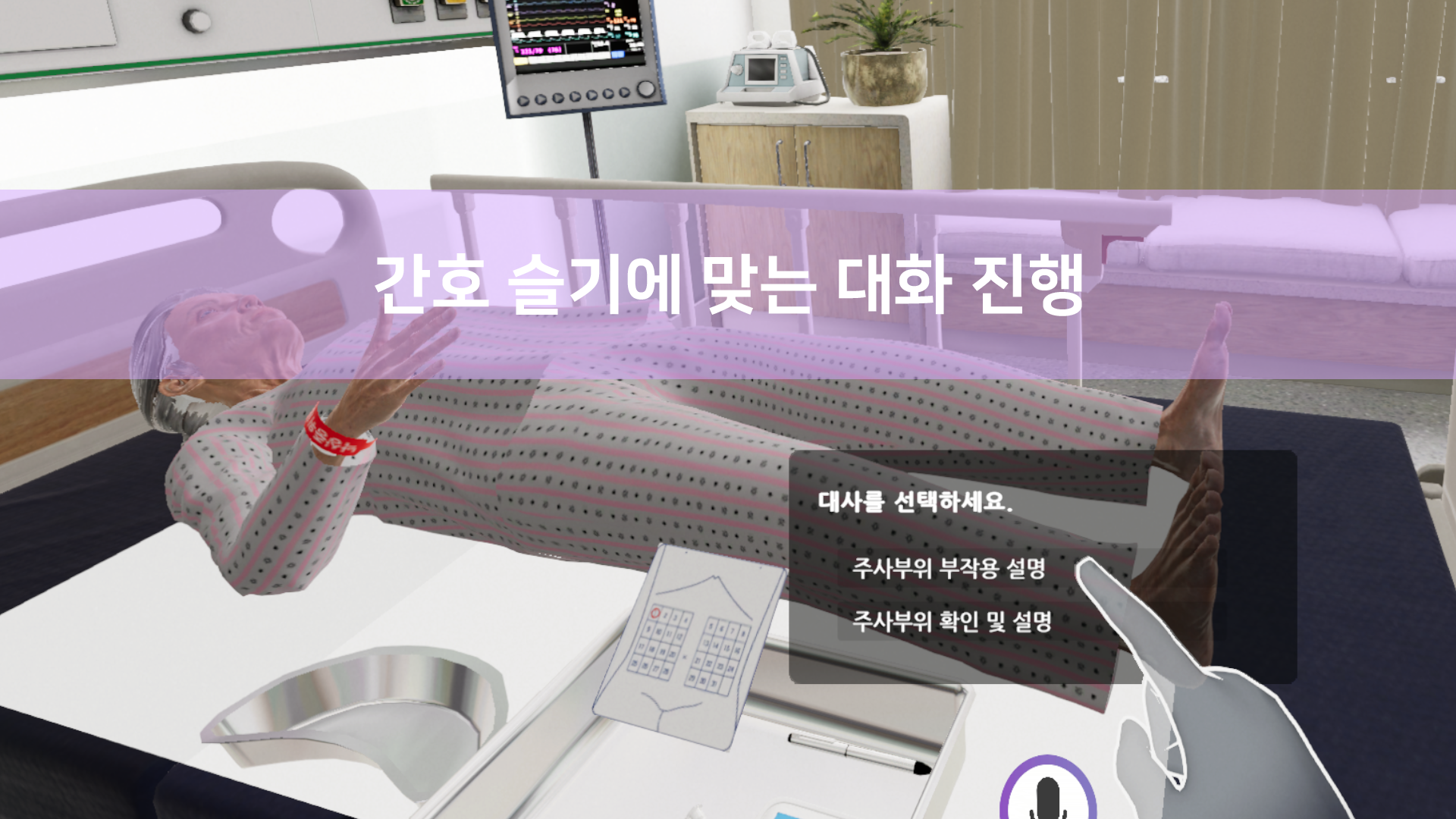
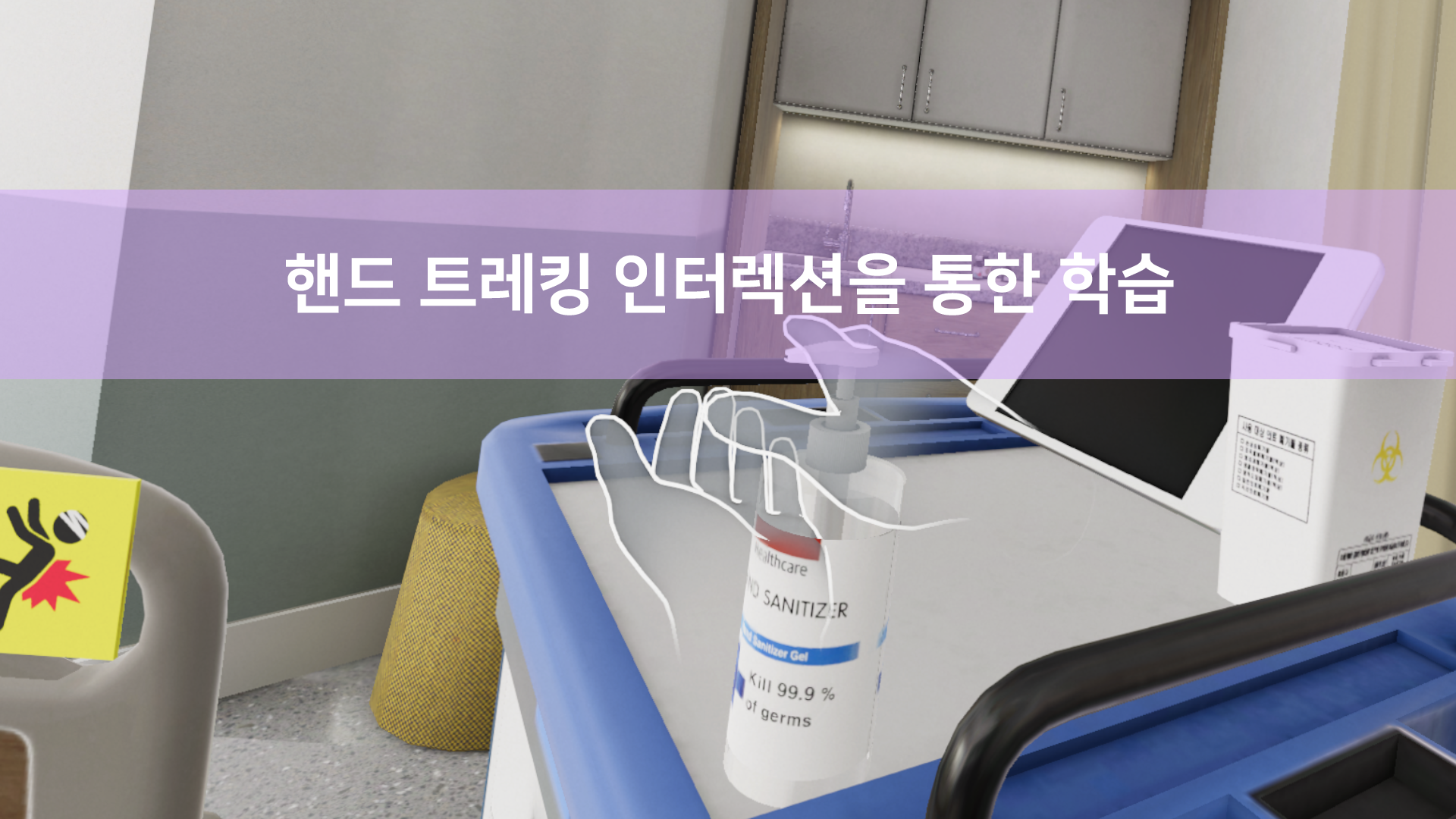
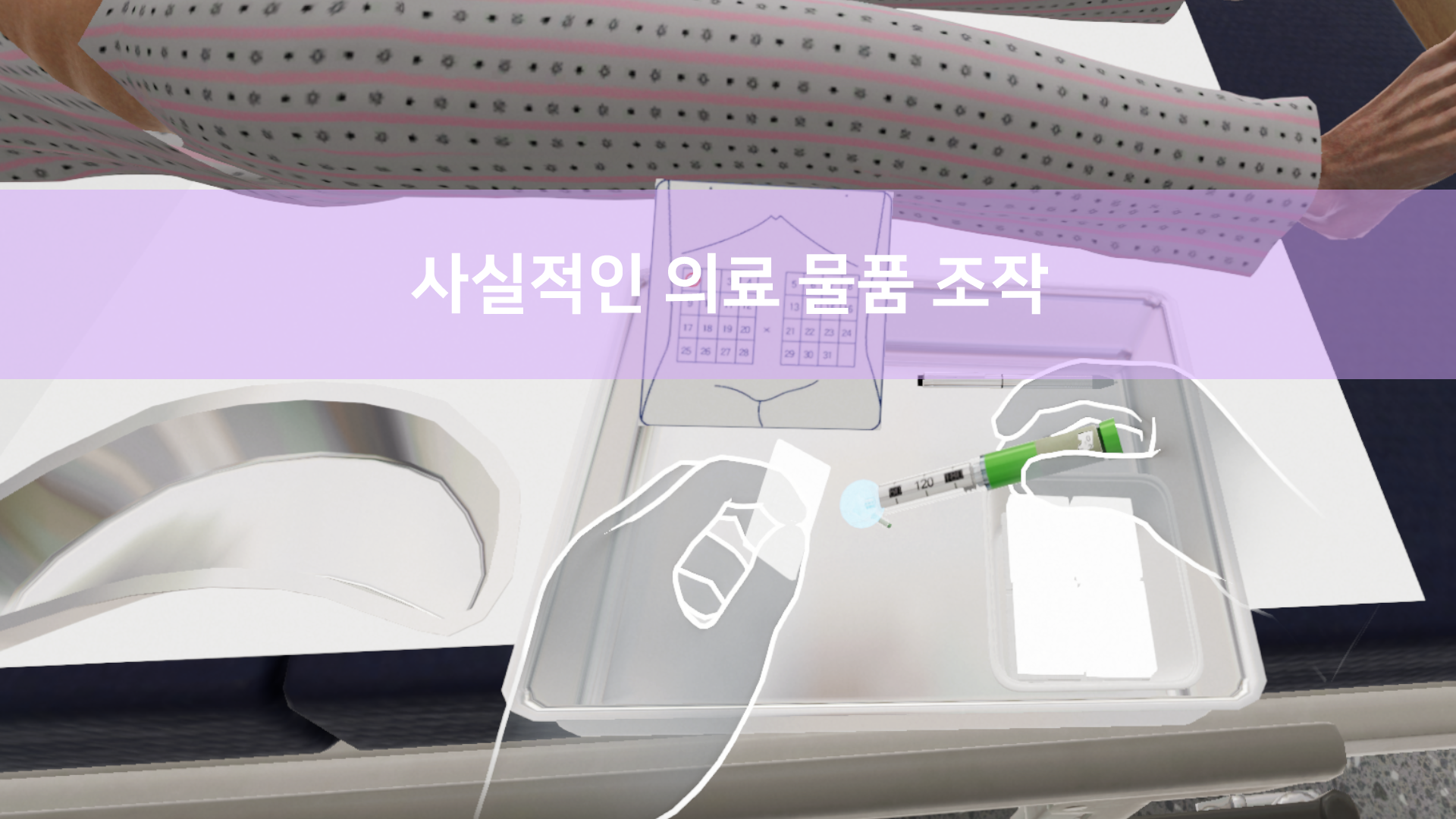
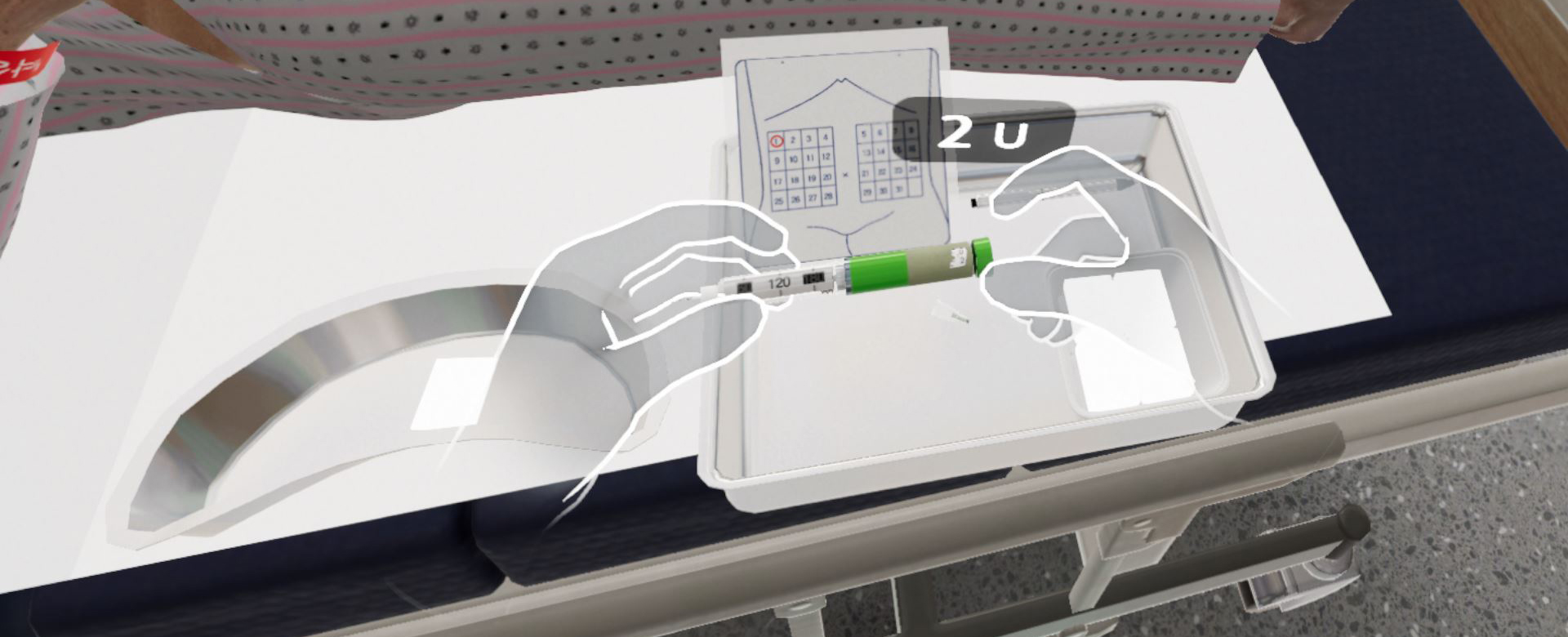
Based on advanced VR technology and utilizing hand-tracking interactions, it provides a safe virtual hospital environment for repetitive learning. The system is designed to practice precise skills and communication in a game-based framework.
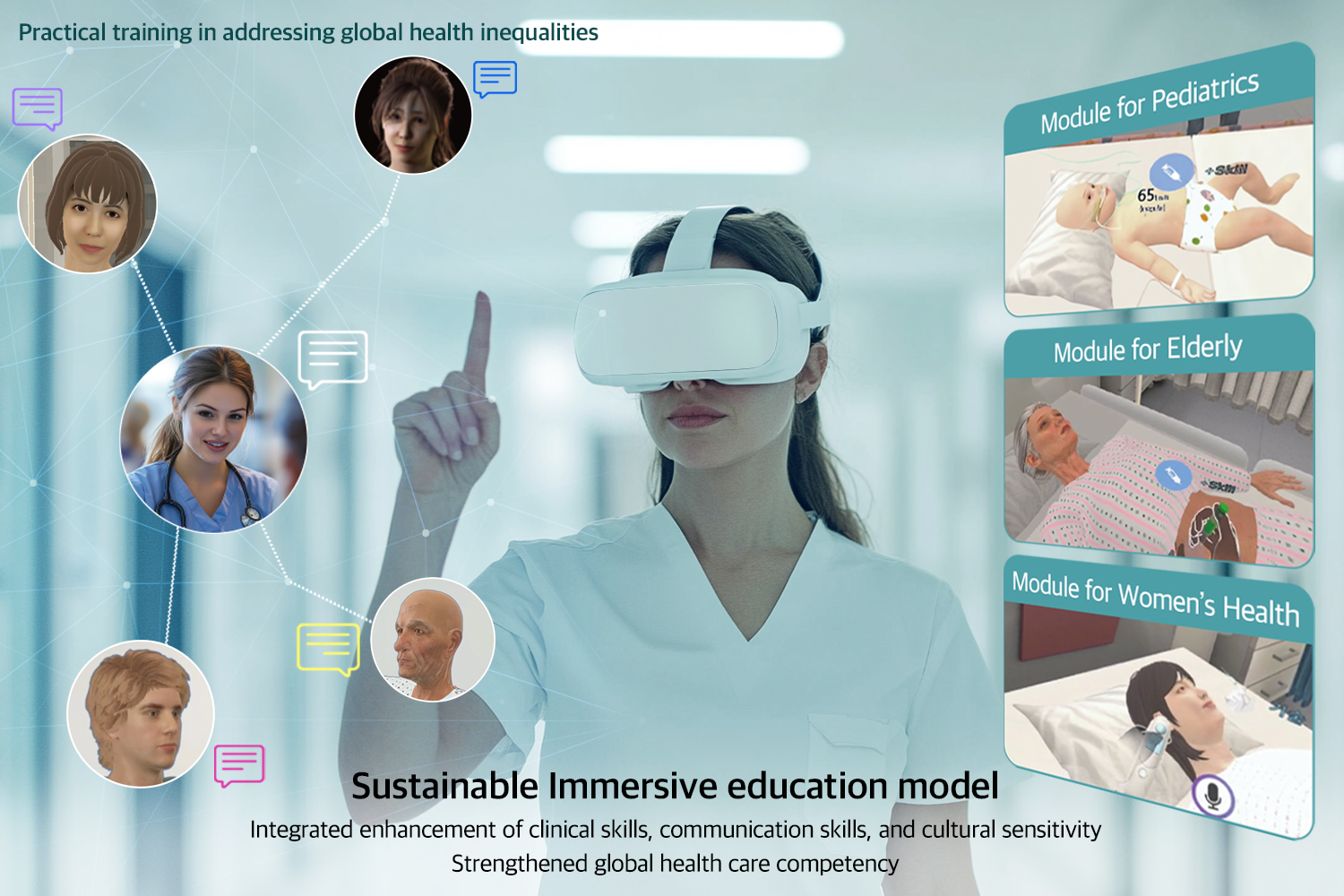
K-SIM is designed to practice core nursing skills (LEVEL 3) in various patient scenarios.
Continuously updated content, including disaster nursing, infection control, and health assessment, is being developed under the guidance of expert groups to address the needs of hospital settings.
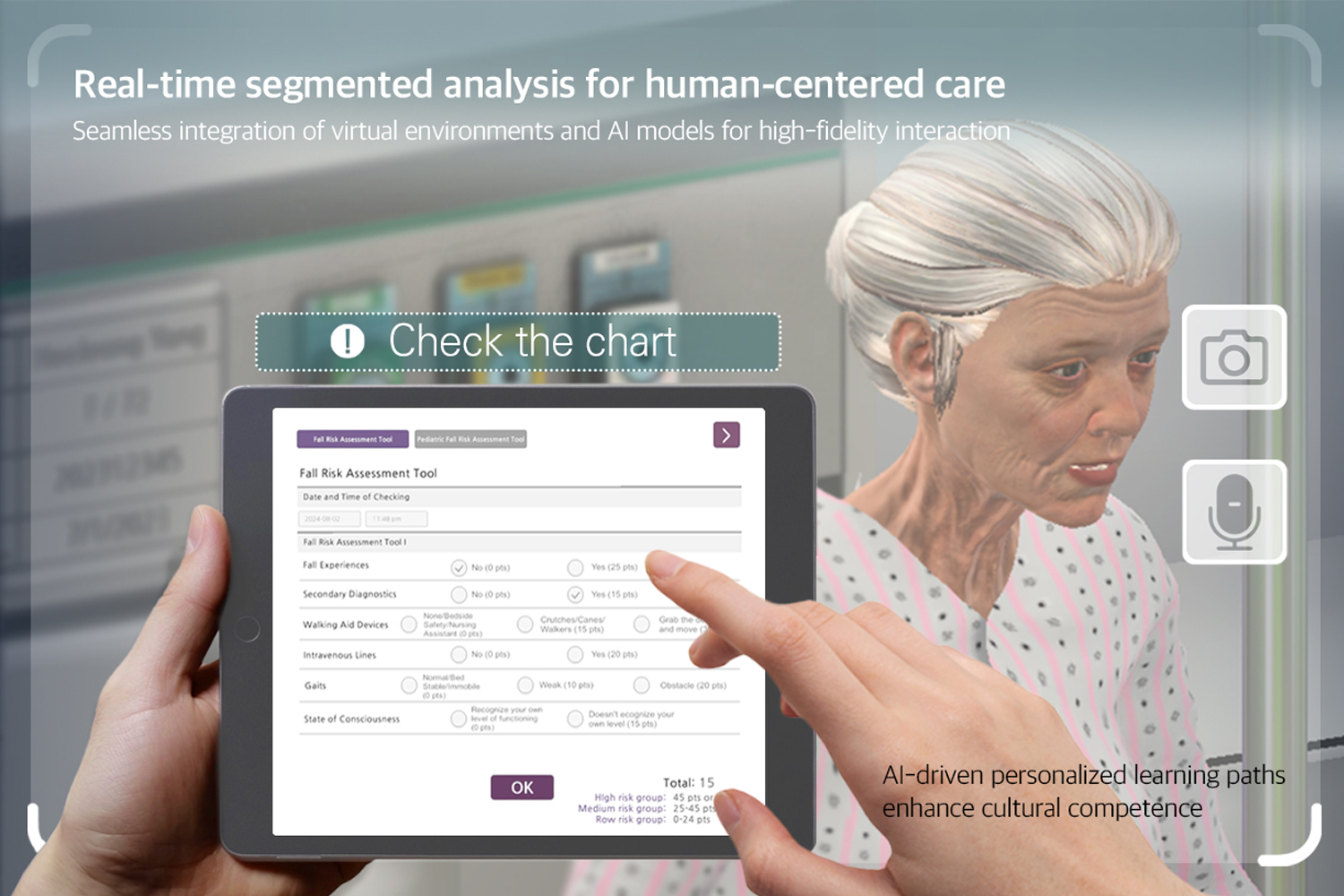
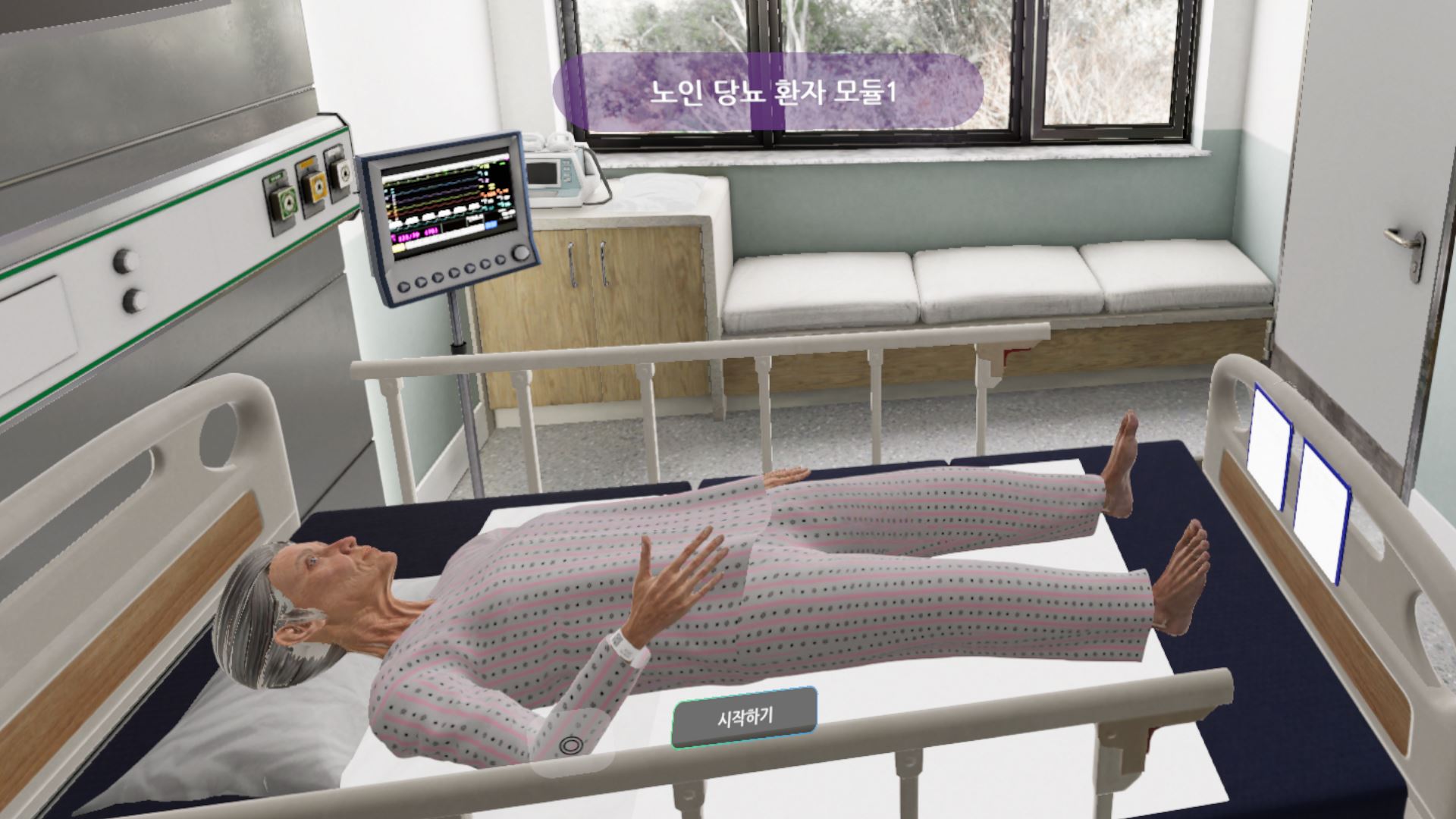
The immersive 3D environment replicates the atmosphere of a real hospital, allowing engaging learning experiences through patient interaction and medical equipment usage.K-SIM adapts to the learner's pace and needs with self-directed learning capabilities, maximizing learning outcomes with real-time feedback.Through diverse scenarios, users can systematically train for both routine nursing tasks and emergency situations.
This innovative solution enhances the skills of nursing students, novice nurses, and newly graduated nurses, and serves as an optimized learning tool for educational and healthcare institutions.
Experience the digital revolution in healthcare education with K-SIM. Immersive nursing education, starting at your fingertips, awaits you.
[Recommended Setup]
1. Use Meta Quest products for an optimal experience:
Meta Quest / Meta Quest 2 / Meta Quest 3 / Meta Pro.
2. Play in a standing position for maximum realism, with a play area of 2m x 2m.
3. Register and set up a developer account to enable hand-tracking.
[Meta Developer Account Registration and Activation]
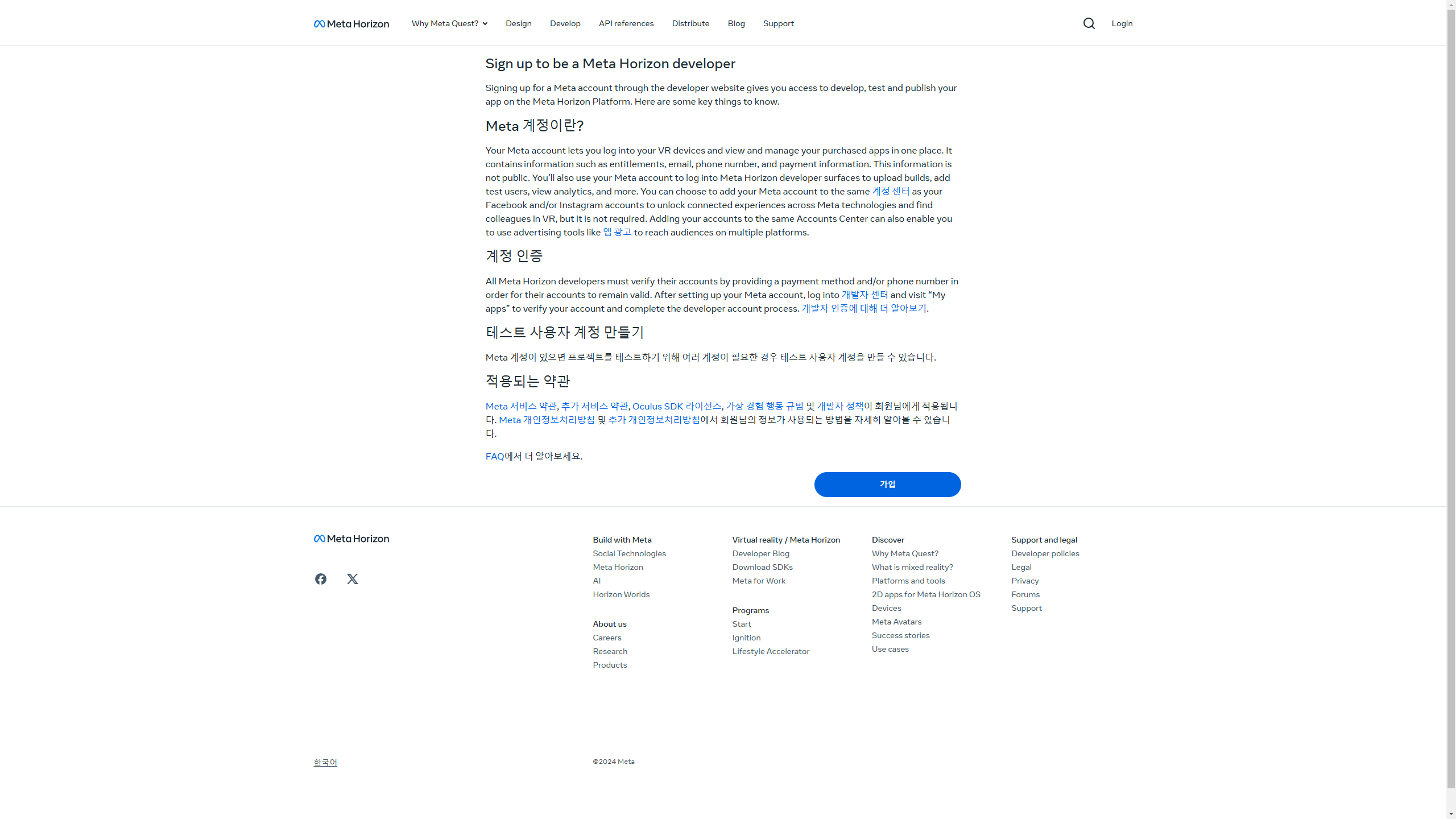
1. Visit the Meta Developer Registration Page to sign up.
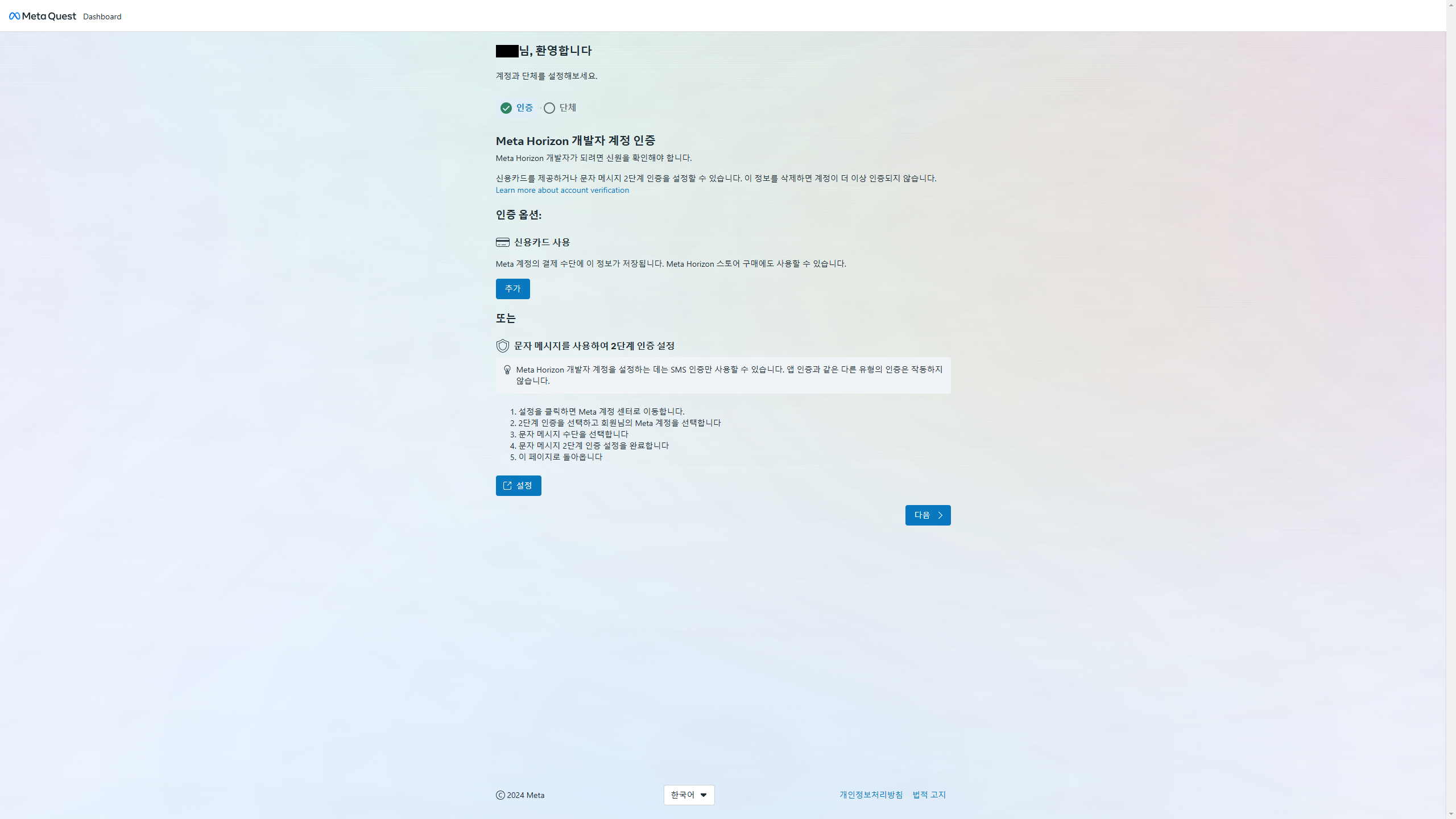
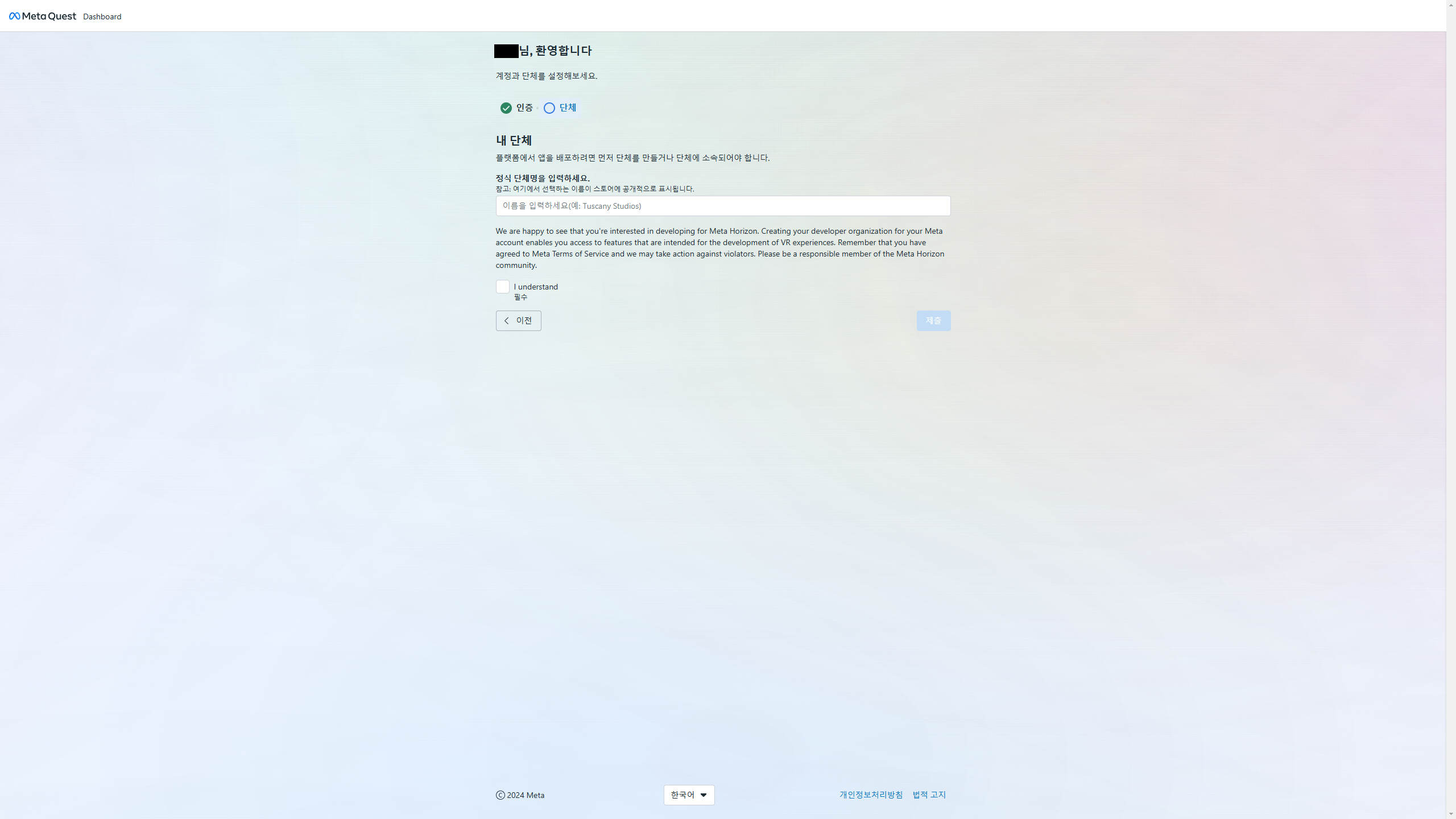
2. Complete personal verification (credit card, SMS) and submit your organization details. Agree to the terms to register as a developer.
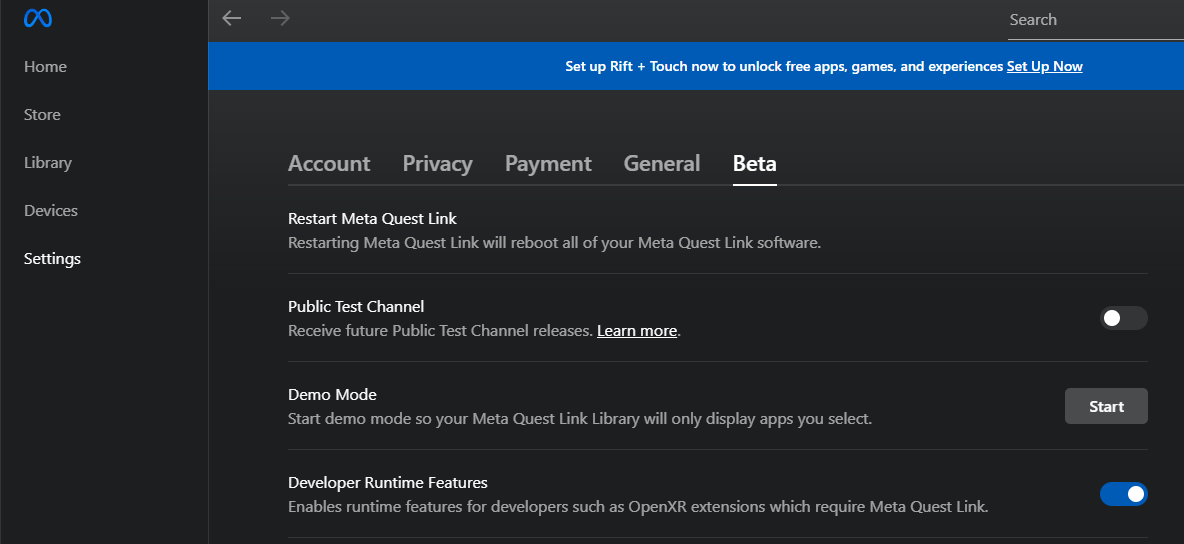
3. In Meta Quest Link, activate "Developer Runtime Features" under Settings → Beta.
Product Reviews
Product Review GuidelinesSmilegate, Inc., Megaport Branch CEO: Sung Joon Ho Address: 7F, 55, Bundang-ro, Bundang-gu, Seongnam-si, Gyeonggi-do, Korea
Business Registration Number: 813-85-02492 Telecommunication Service Registration Number: 제2023-성남분당A-0145호
© Smilegate. All Rights Reserved.