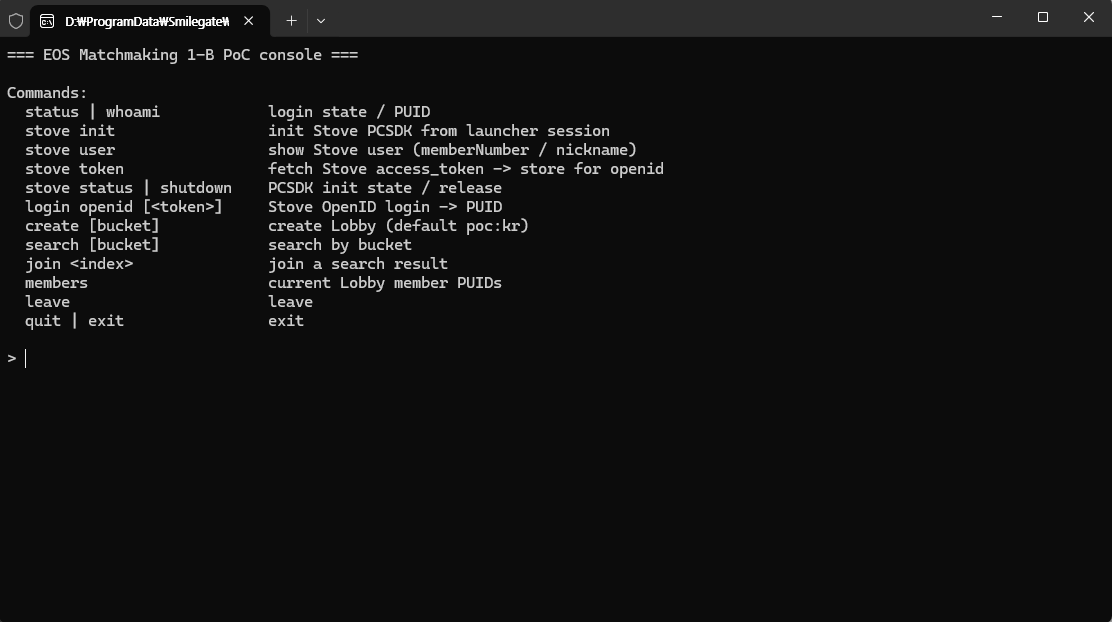

Matchmaking Sample
Product Description

introduction
This is a sample demo that allows you to experience the EOS (Epic Online Services) matchmaking integration firsthand. It runs immediately with a STOVE account without a separate login process, and you can observe the automatic matching process with other users in the same pool on the console screen.
Operation method
You will see a black console window and an input prompt (>). Enter the following four lines in order.
# --- (1) STOVE PCSDK Area: Getting a Token from STOVE ---
# Initialize the STOVE PCSDK and obtain the user authentication token (access_token). This token serves as the identity card to be passed to EOS.
stove init # Initialize stove PCSDK. Expected result: BaseSDK initialized.
stove user # Check which Stove member is logged in (Member Number / Nickname). Expected result: memberNumber=... nickname=...
stove token # Get Stove user authentication token (access_token). Expected result: access_token stored (len=...)
# --- (2) EOS SDK Area: Obtaining PUID with Token ---
If you pass the received STOVE user authentication token to EOS Login (Connect), you will obtain a PUID without the Epic Games login window.
login openid # Log in to EOS Connect with the saved STOVE authentication token -> Obtain User ID (PUID)
Below is an example of console input.
> stove init >>> [stove] BaseSDK initialized.
> stove user [stove] memberNumber=XXXXXXXX nickname=tester
> stove token [stove] access_token stored (len=464). Now run: login openid
> login openid [connect] New external identity -> runningCreateUser... >>> [OK] New PUID issued (CreateUser, no Epic account UI): 0002xxxxxxxxxxxx |
Since this is the first EOS login, if there is no PUID, EOS returns user_not_found, and the code immediately creates a new PUID using CreateUser. The Epic Games login window does not appear during this process.
Below is the actual console execution screen. A PUID is issued with only the console open, without the Epic Games login window.
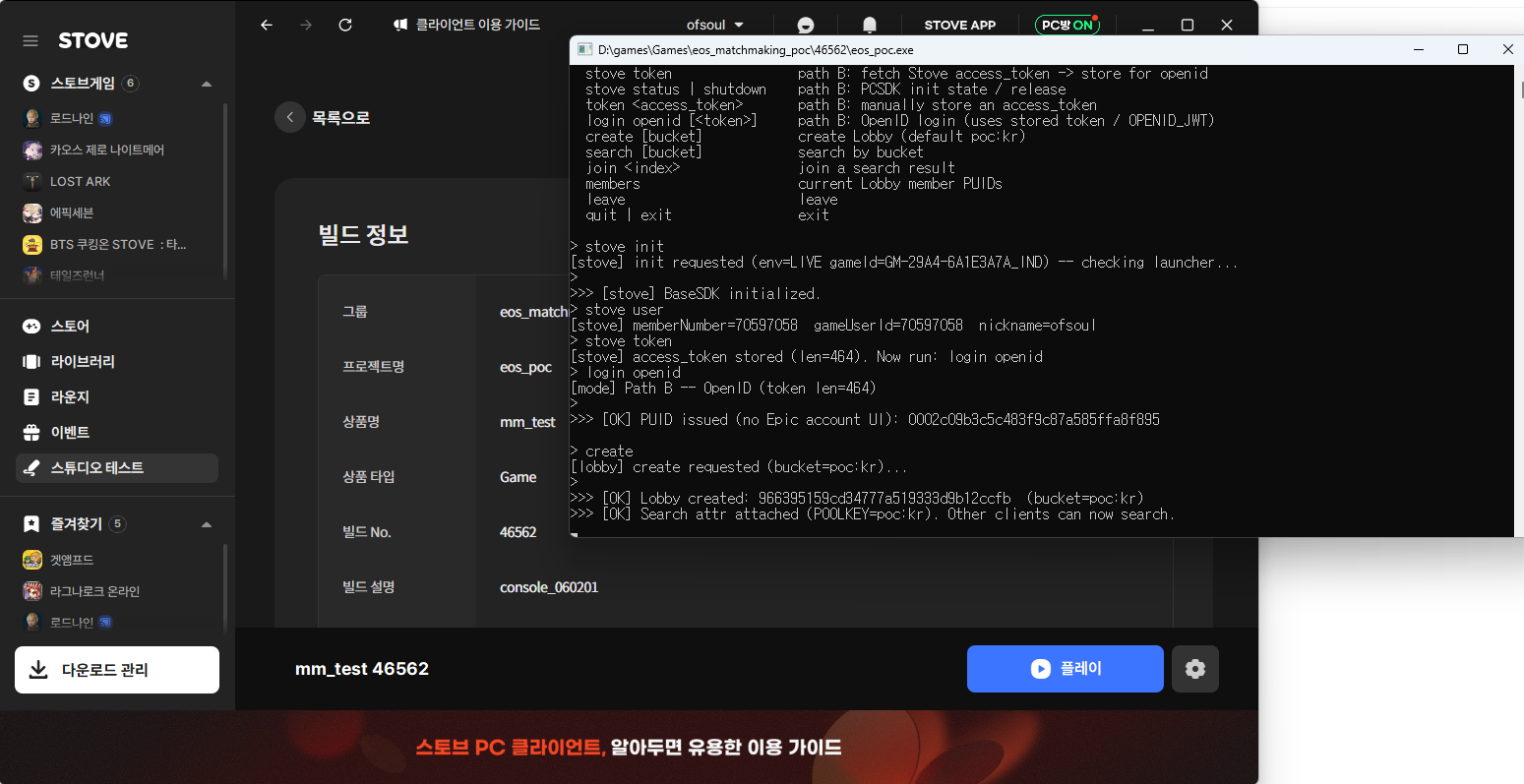
The console commands in the demo demonstrate the SDK flow that the game will actually execute, broken down line by line. In the actual game, these commands are implemented within the game code (or engine plugin) as the SDK calls below, and are typically executed automatically at the start of the game or upon login.
| area | Demo command | SDK calls / flow in the actual game |
|---|---|---|
| Stove PCSDK | stove init | Stove PCSDK Initialization — Base_InitializeEx() (Called after caching PC client session parameters with RestartAppIfNecessary) |
| Stove PCSDK | stove user | (Optional) Look up Stove logged-in users — Base_GetUser() (memberNumber·nickname) |
| Stove PCSDK | stove token | Get the STOVE access_token using Base_GetAccessToken(). Pass this token to EOS. |
| EOS SDK | (Automatic when the app starts) | EOS_Initialize → EOS_Platform_Create(Use credentials entered in Step 3) |
| EOS SDK | login openid | Call EOS_Connect_Login — Credentials.Type=EOS_ECT_OPENID_ACCESS_TOKEN, Token=STOVE access_token. If user_not_found is returned because it is the first time, issue a new PUID using EOS_Connect_CreateUser. |
| EOS SDK | (since) | Call the Lobbies/Sessions (matchmaking) API with the obtained PUID. |
characteristic
- With just one Stove account, you can connect directly to matchmaking without logging into Epic Games separately.
- You can check the matching connection process step-by-step on the console screen.
- You can run it quickly as a lightweight demo that operates without a graphical UI.
reference
- Stove PC SDK: https://developers-beta.onstove.com/docs/Store
- EOS SDK: https://dev.epicgames.com/docs/epic-online-services/working-with-the-eos-sdk
Communicate with the creator
Product Review Guidelines

Smilegate, Inc., Megaport Branch CEO: Sung Joon Ho Address: 7F, 55, Bundang-ro, Bundang-gu, Seongnam-si, Gyeonggi-do, Korea
Business Registration Number: 813-85-02492 Telecommunication Service Registration Number: 제2023-성남분당A-0145호
© Smilegate. All Rights Reserved.