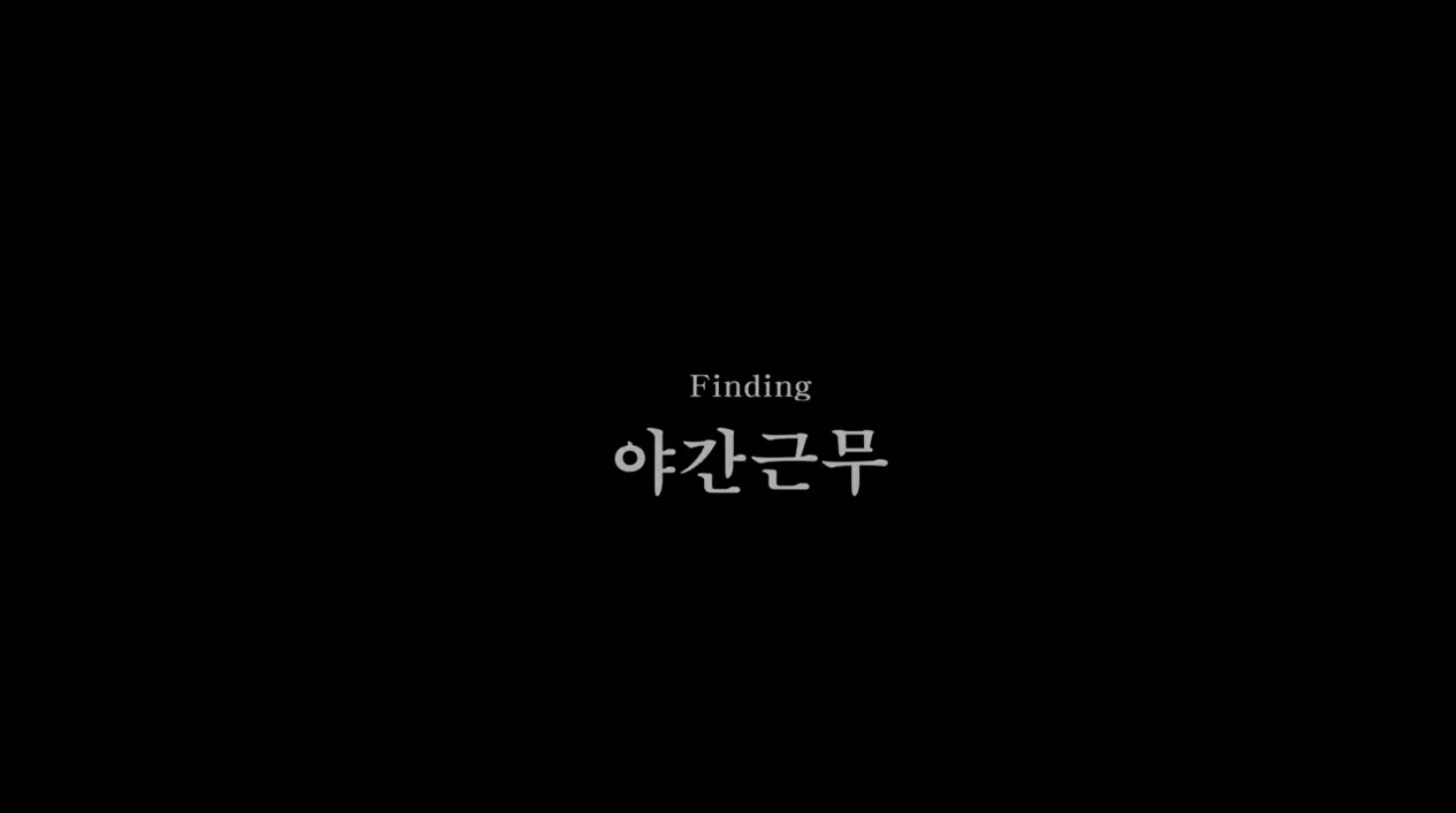
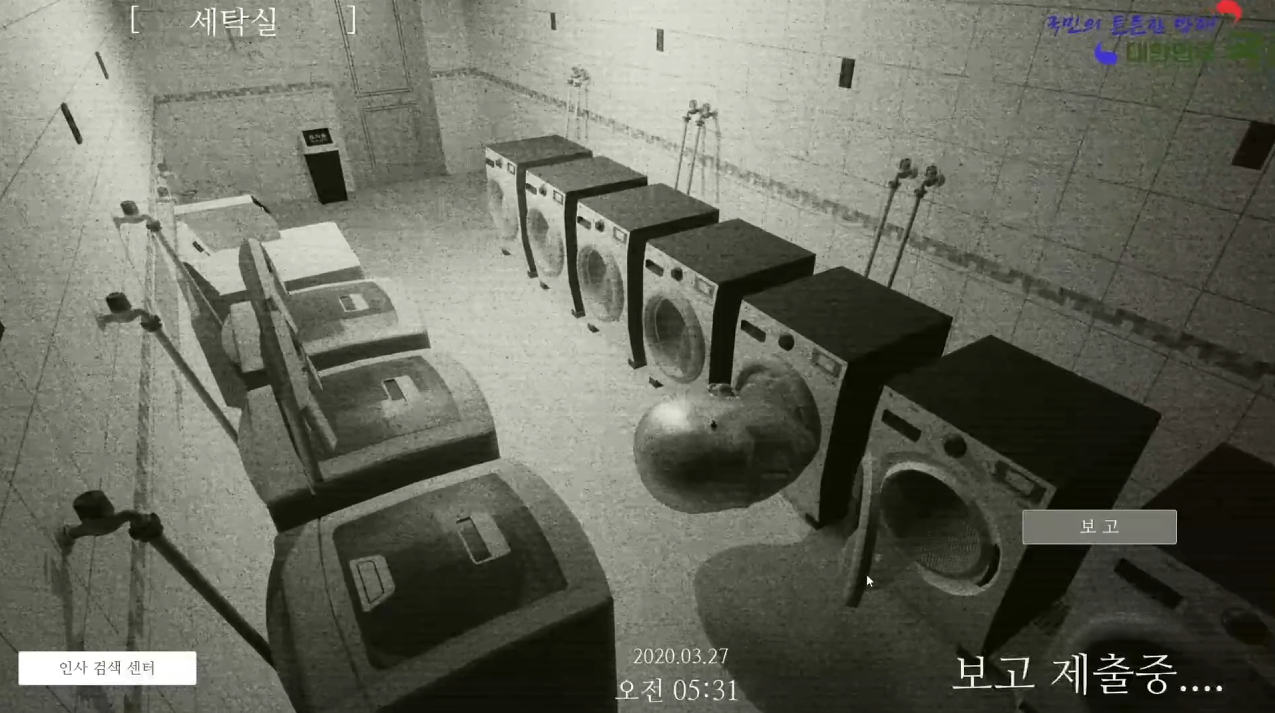

Finding (night shift)
Product Description

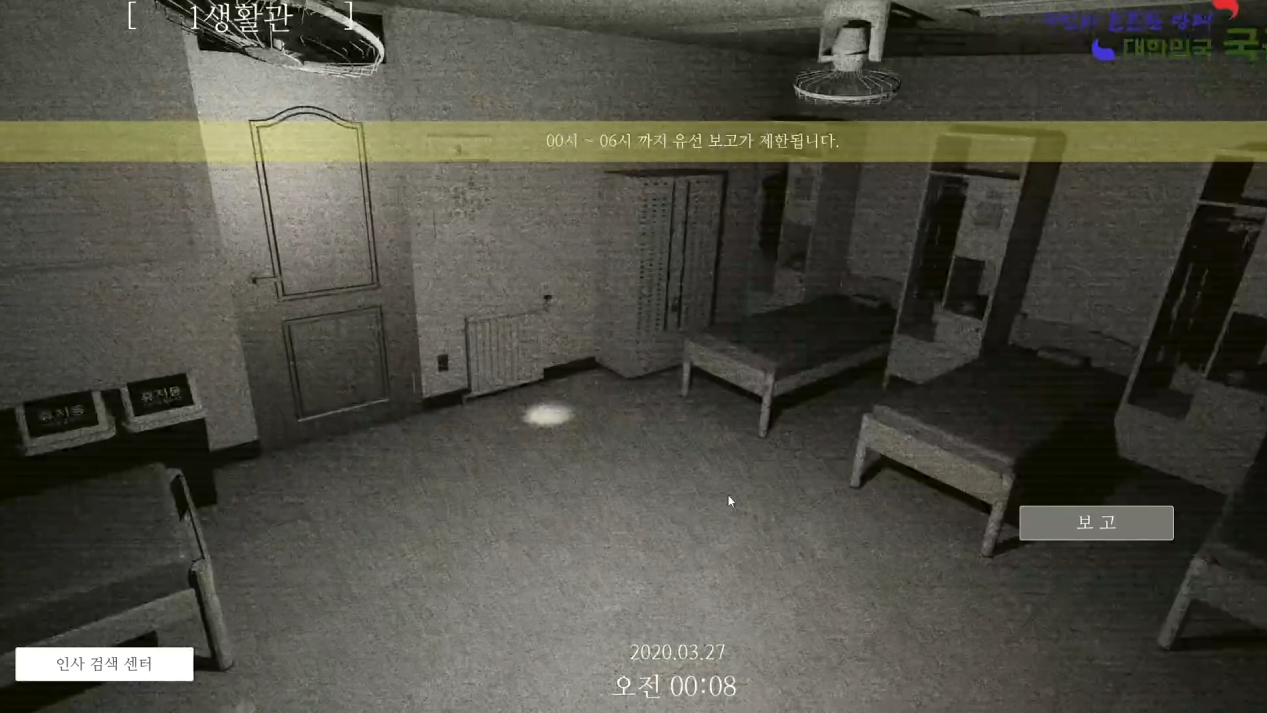
An infantry battalion somewhere in Gangwon Province. They were assigned to their first night shift, monitoring various areas of the battalion, including the recently closed barracks. But something about this shift felt strange.
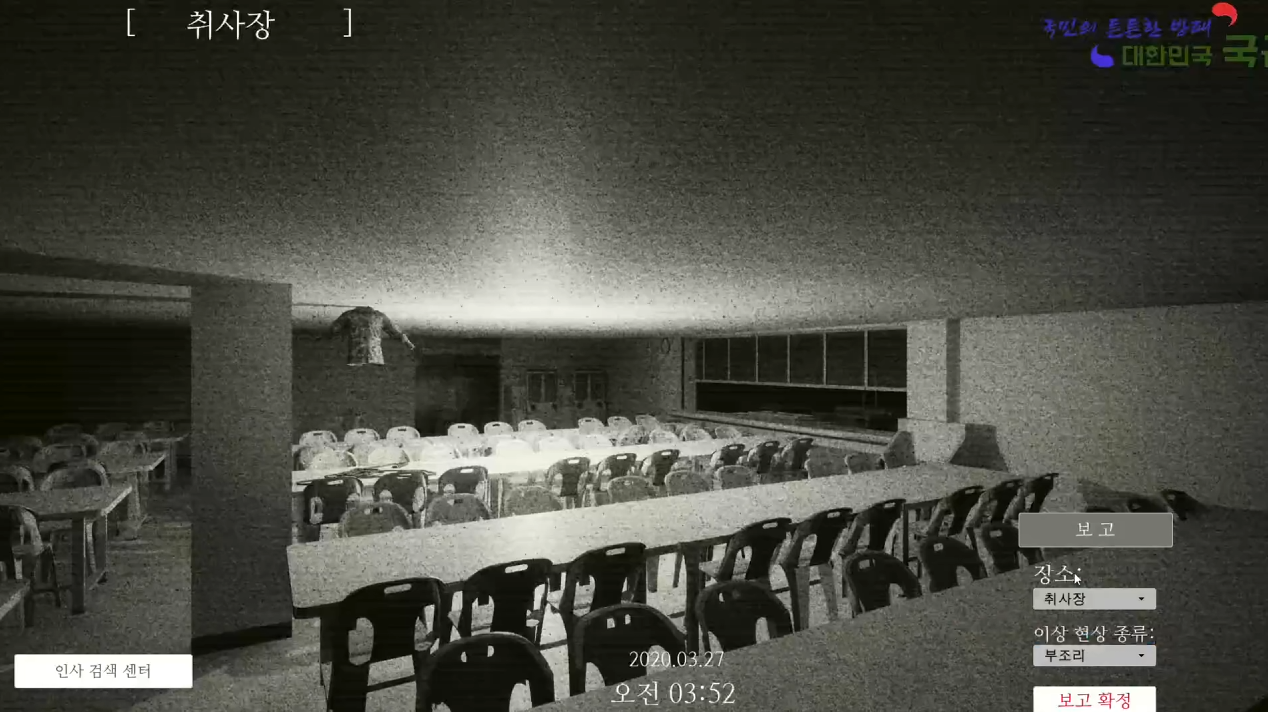
A handover document filled with bizarre content, strange phenomena appearing on the screen as time passes, and the presence of something drawing ever closer.
Maybe it's not what's on the screen that threatens me — it's this place itself.
Can you survive the night shift tonight?
[It's ominous from the start.
If you are confident, press OK]
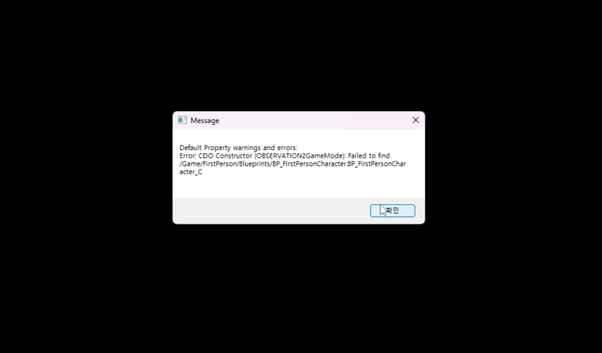
Sharpen your nerves.
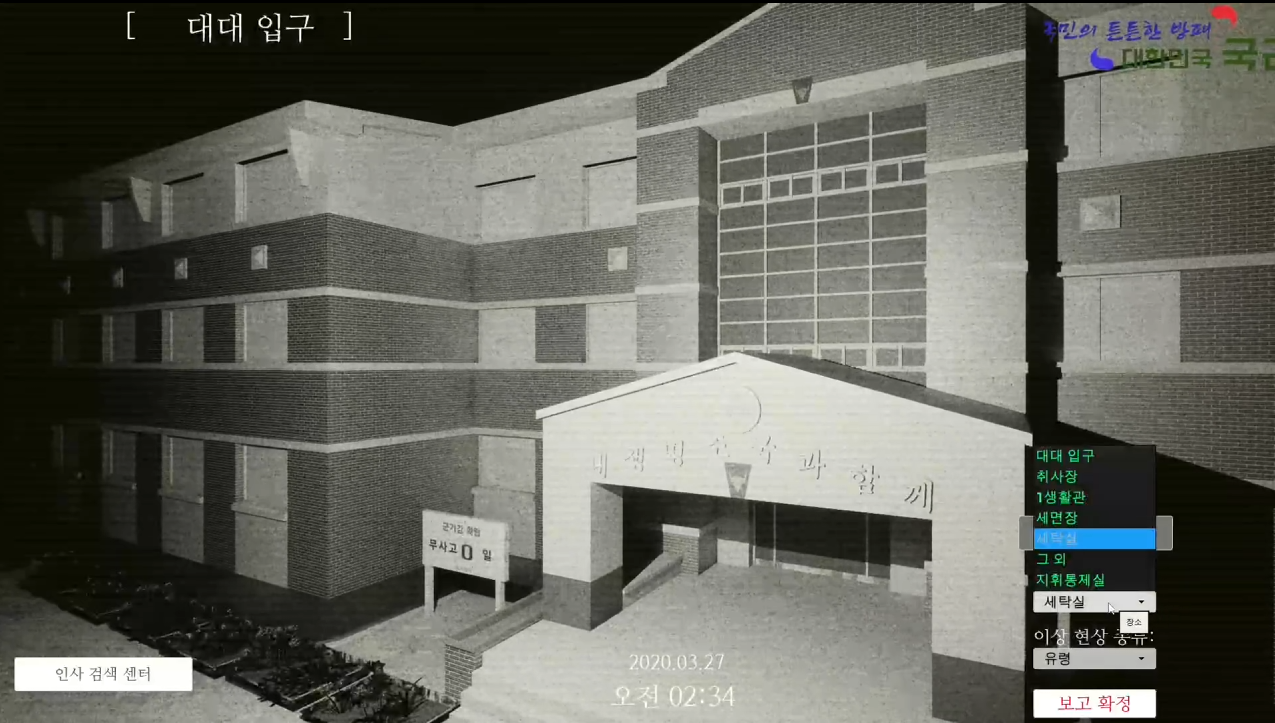
Use the [Report] button to find and report any anomalies.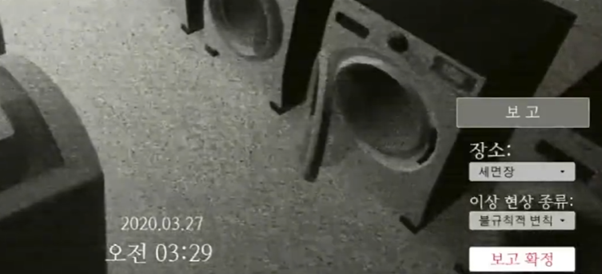
Please be mindful of security.
Please use the [Personnel Reporting Center] system to report information about persons of interest.
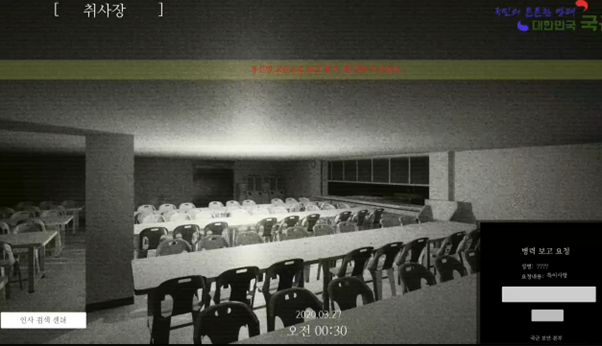
You are not safe behind the screen.
Always check your appearance in the
Report life-threatening elements.
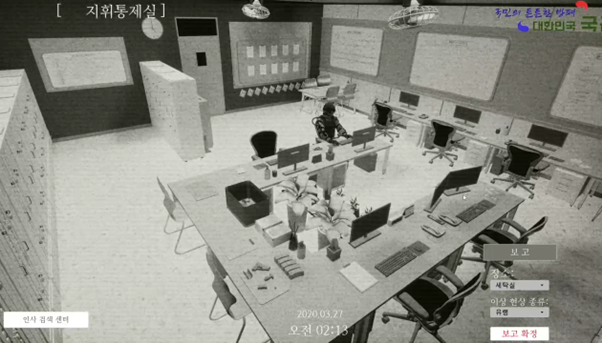
This is a place where absurdity is rampant.
Report all five abnormal phenomena that fall under <Absurdity> and face the hidden truth.
Don't forget that <Absurdity> continues even after the game ends.
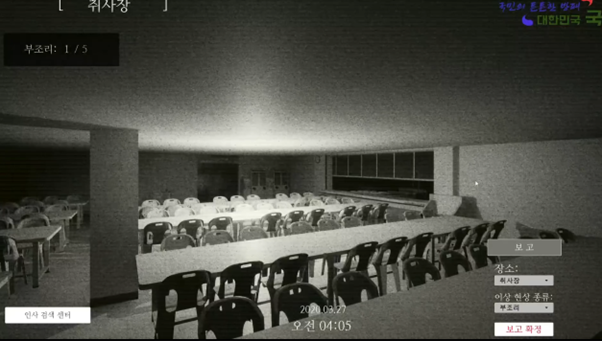
✅ Information on playing the ending video
Some users' PCs are experiencing in-game time [6:00] but are stuck on a white screen as shown below.

In some PC environments, the intro/ending videos (MP4) may not play. This is not a problem with the game files or videos, but rather a problem with Windows' media features.
■ Main causes
Using Windows N/KN version → This version does not include the basic H.264 video codec, so video playback is not possible.
Missing media features or codecs → MP4s don't play even in the Windows default “Movies & TV” app.
Security program or driver conflict → Occurs when some antivirus/firewall or outdated GPU drivers block video loading.
■ Solution
Install Media Feature Pack (required) If you are using Windows N/KN or have a missing codec, install it from the link below to resolve the issue: https://www.microsoft.com/ko-kr/download/details.aspx?id=48231
GPU Driver UpdatePlease update your NVIDIA / AMD / Intel graphics drivers to the latest version.
Adding the game executable folder to the antivirus exceptions list may resolve the video playback error.
Communicate with the creator
Product Review GuidelinesSmilegate, Inc., Megaport Branch CEO: Sung Joon Ho Address: 7F, 55, Bundang-ro, Bundang-gu, Seongnam-si, Gyeonggi-do, Korea
Business Registration Number: 813-85-02492 Telecommunication Service Registration Number: 제2023-성남분당A-0145호
© Smilegate. All Rights Reserved.