.png)
My cat became a human?!
.png)
Product Info

Purchase My cat became a human?!
Product Description

This is a visual novel genre game that was submitted to the freshman summer contest of Soongsil University's game production club, Gemmaru.
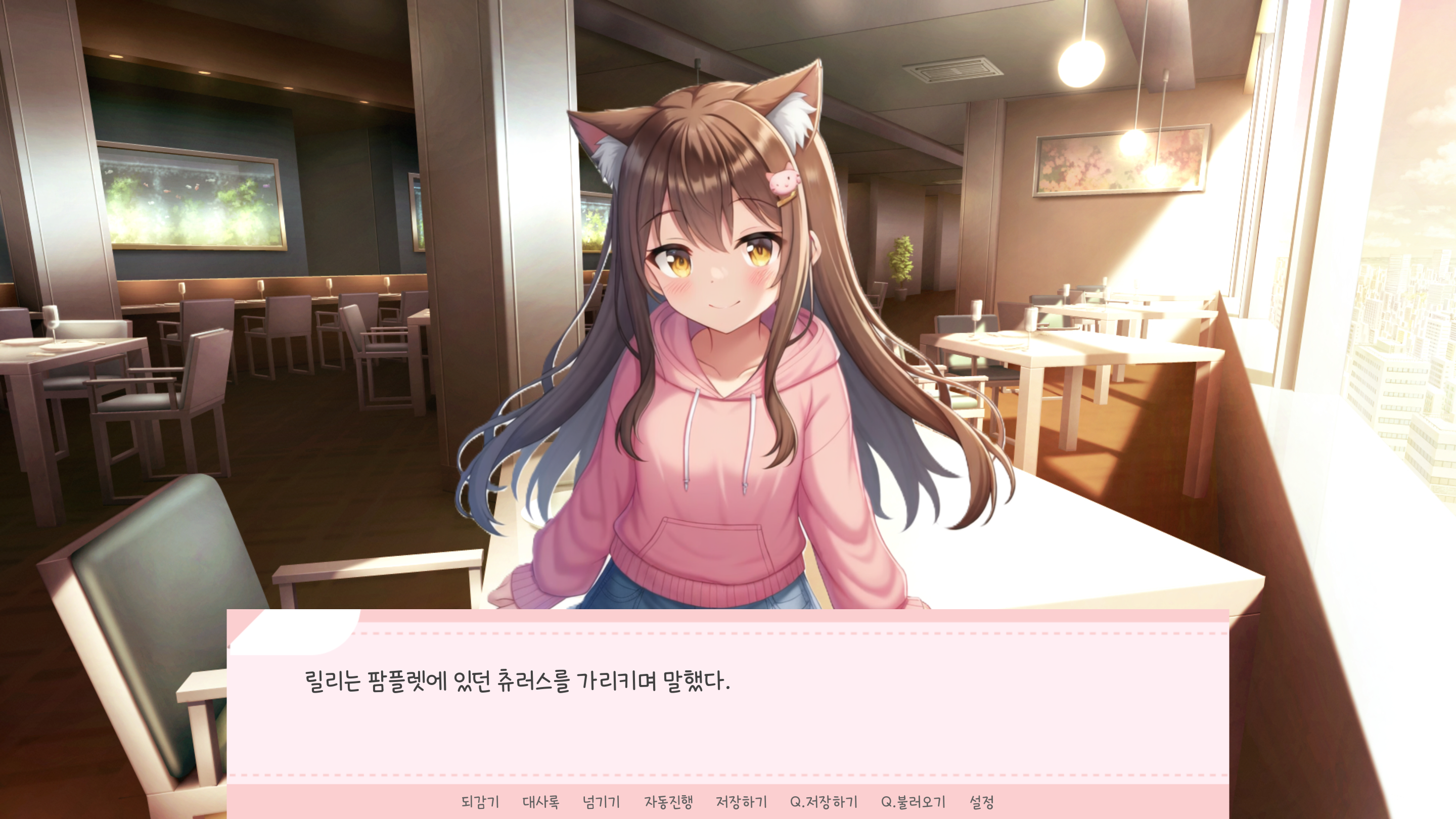
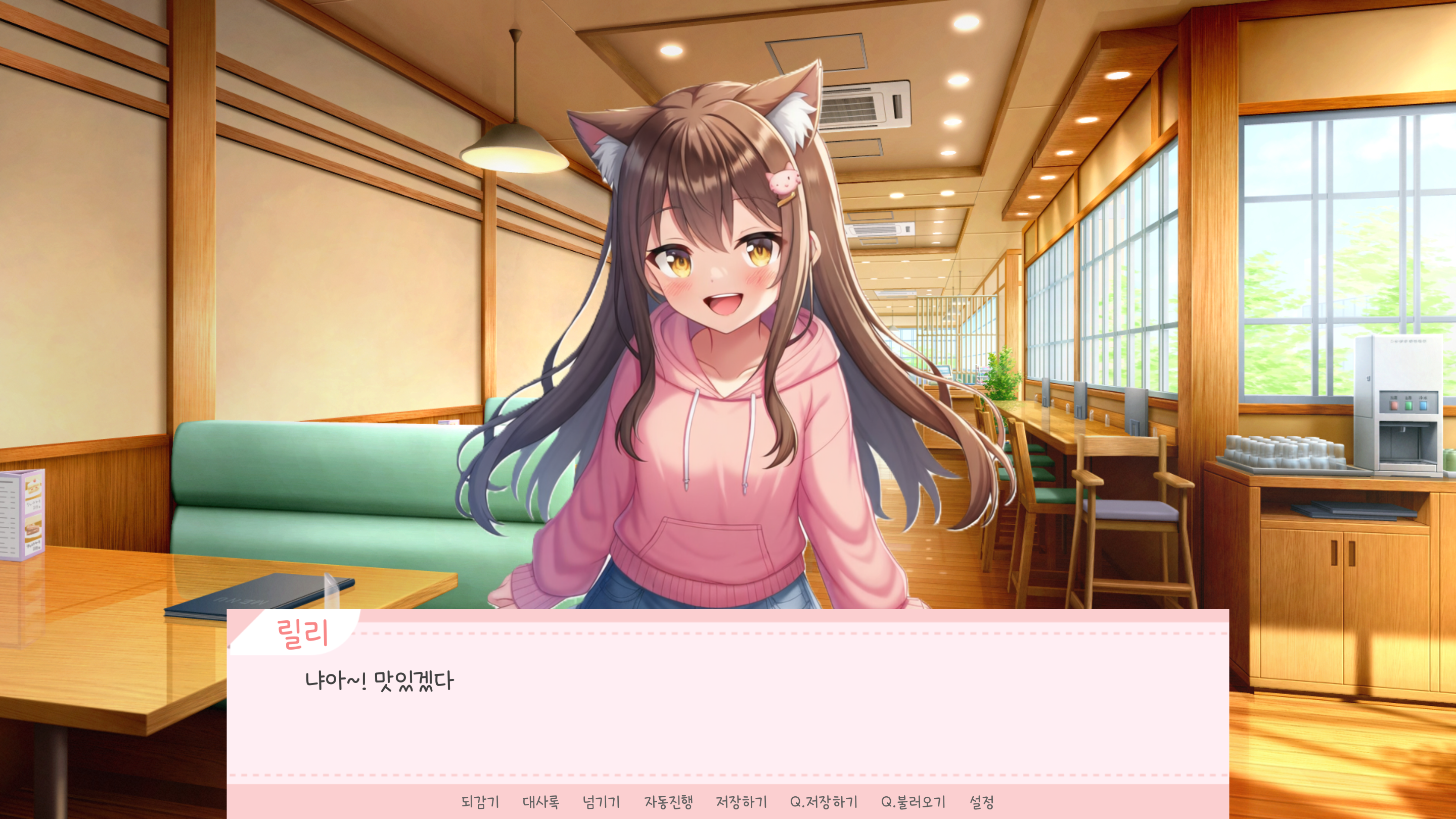
This game features five animated CGs, five endings, 108 sprites, 48 sprite CGs, a branching system with different storylines depending on your choices, an achievement system, and various extras, including CGs, replays, and additional stories.
This is my first game, so it's lacking in many ways, but I hope you enjoy it!
Synopsis
Seohyun, a college student living an ordinary life, wakes up one day to find her cat, Lily, transformed into a human.
Seohyun and Lily create precious memories together and build a special life together, but Lily harbors an unspeakable secret.
In the story of two people who had been peaceful, the secret gradually begins to be revealed...
Play time
1 to 3 hours
manual
Please check by clicking the "How to Use" button on the main screen.
Settings
You can set the screen mode, scrolling, text speed, auto-advance time, and volume by pressing the Preferences button.
If the text speed is fast, you can adjust the text speed using the slider.
If the auto-progress speed is too fast, you can adjust the auto-progress speed using the slider.
You can test the volume level by pressing the test button next to the sound effect volume and voice volume.
If you can't hear any sound, please make sure the mute button is pressed.
How the game progresses
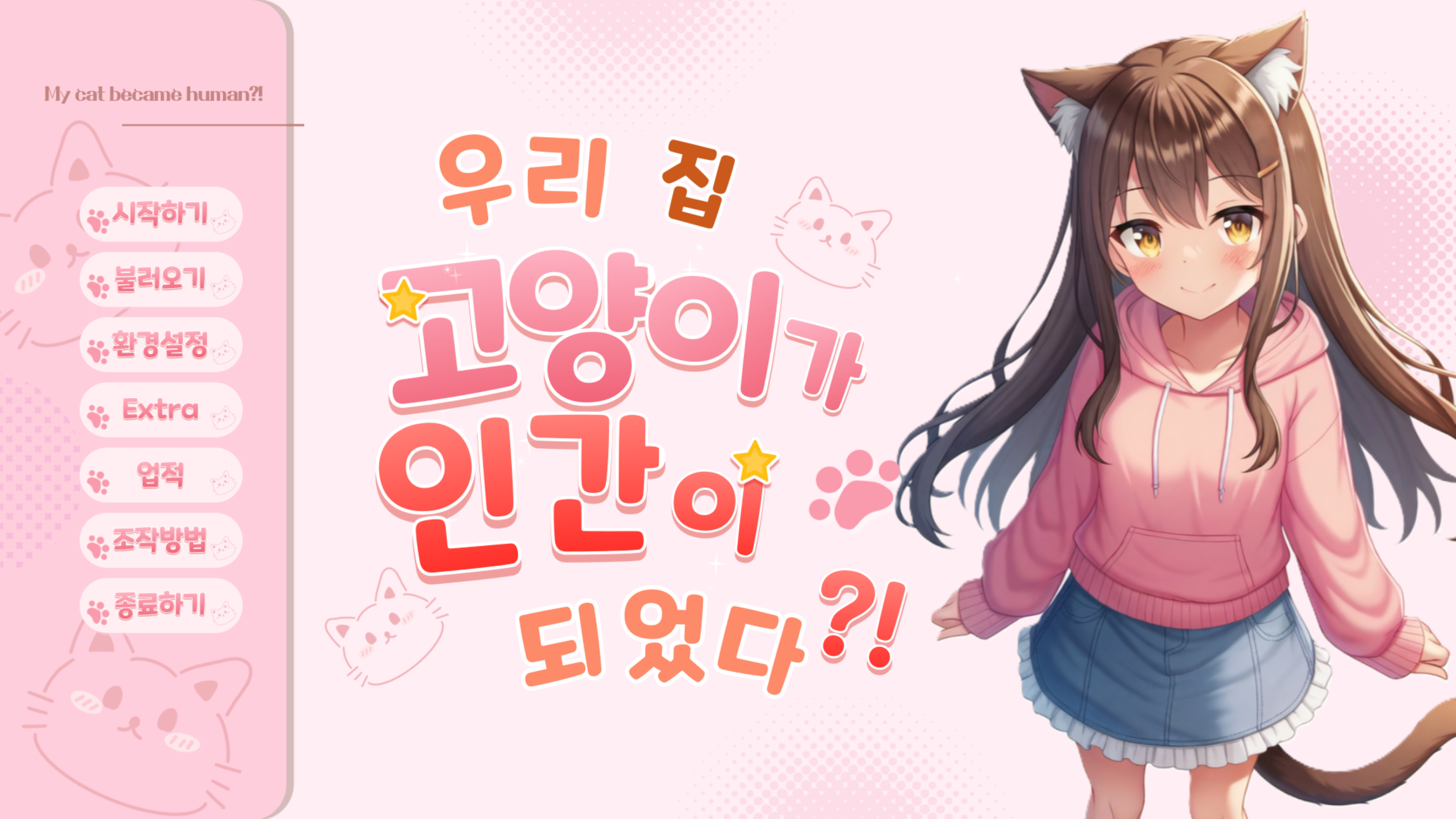
You can start the game by pressing the "시작하기" button.
You can save by pressing the ESC button to open the menu window.
You can load your saved saves by pressing the "불러오기" button.
There is an auto-save function, so the game will automatically save after a certain amount of time.
The story and ending will vary depending on your choices. We recommend saving your game after making your choices.
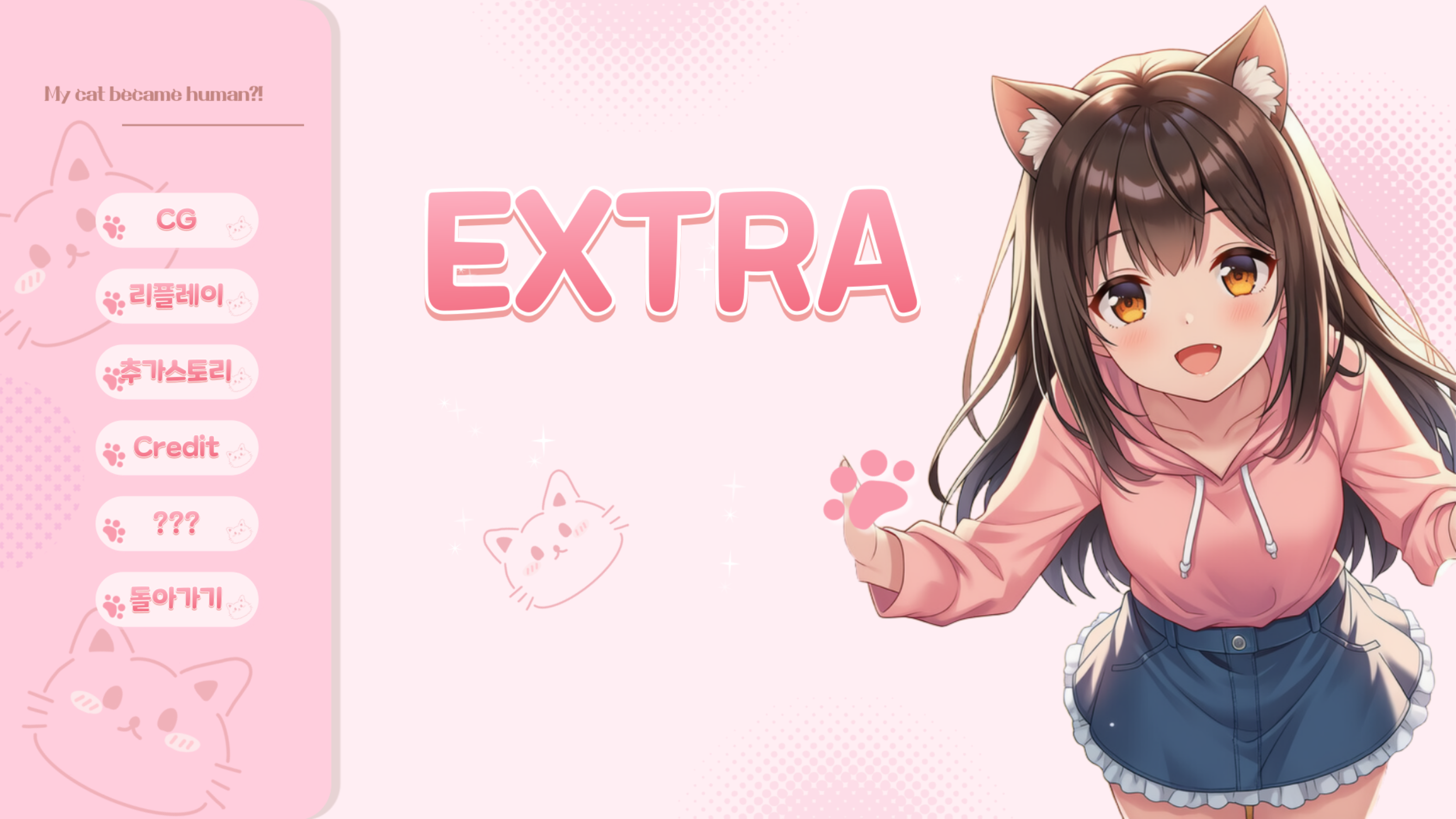
EXTRA Menu Description
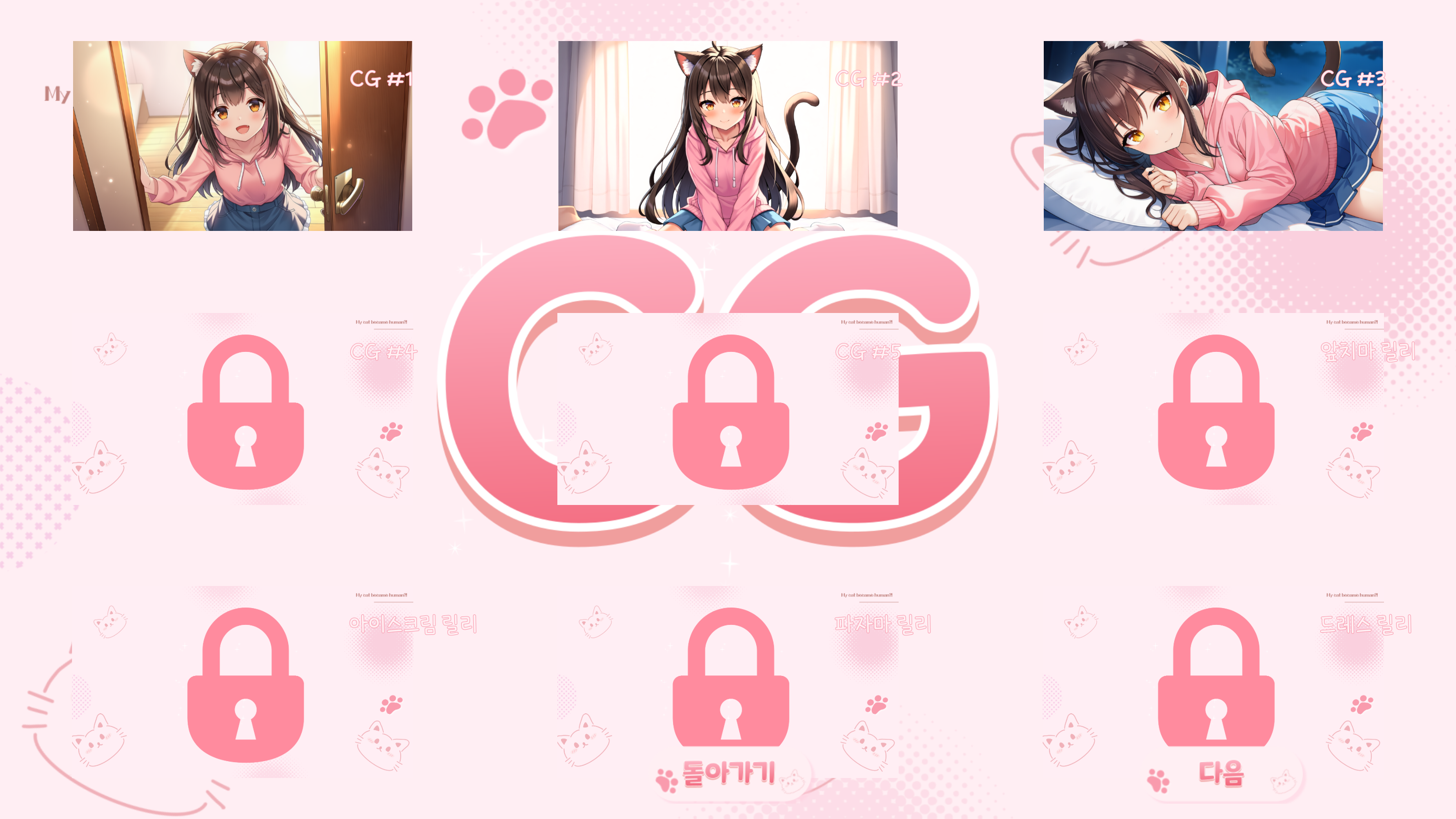
The "CG" button allows you to view the CGs you have acquired.
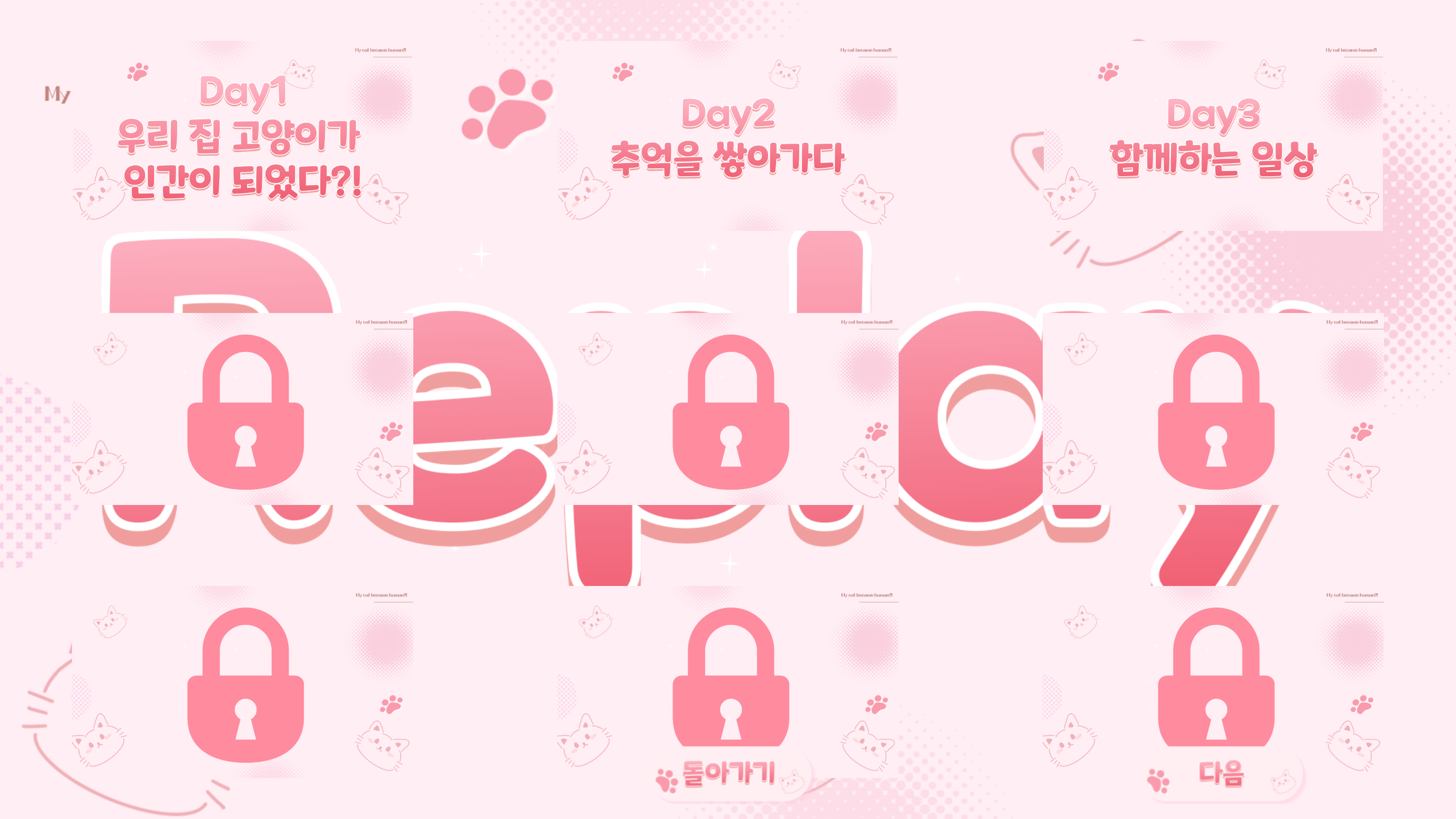
"리플레이" allows you to replay the story. You can view it by day, such as Day 1, Day 2, etc., and by ending.
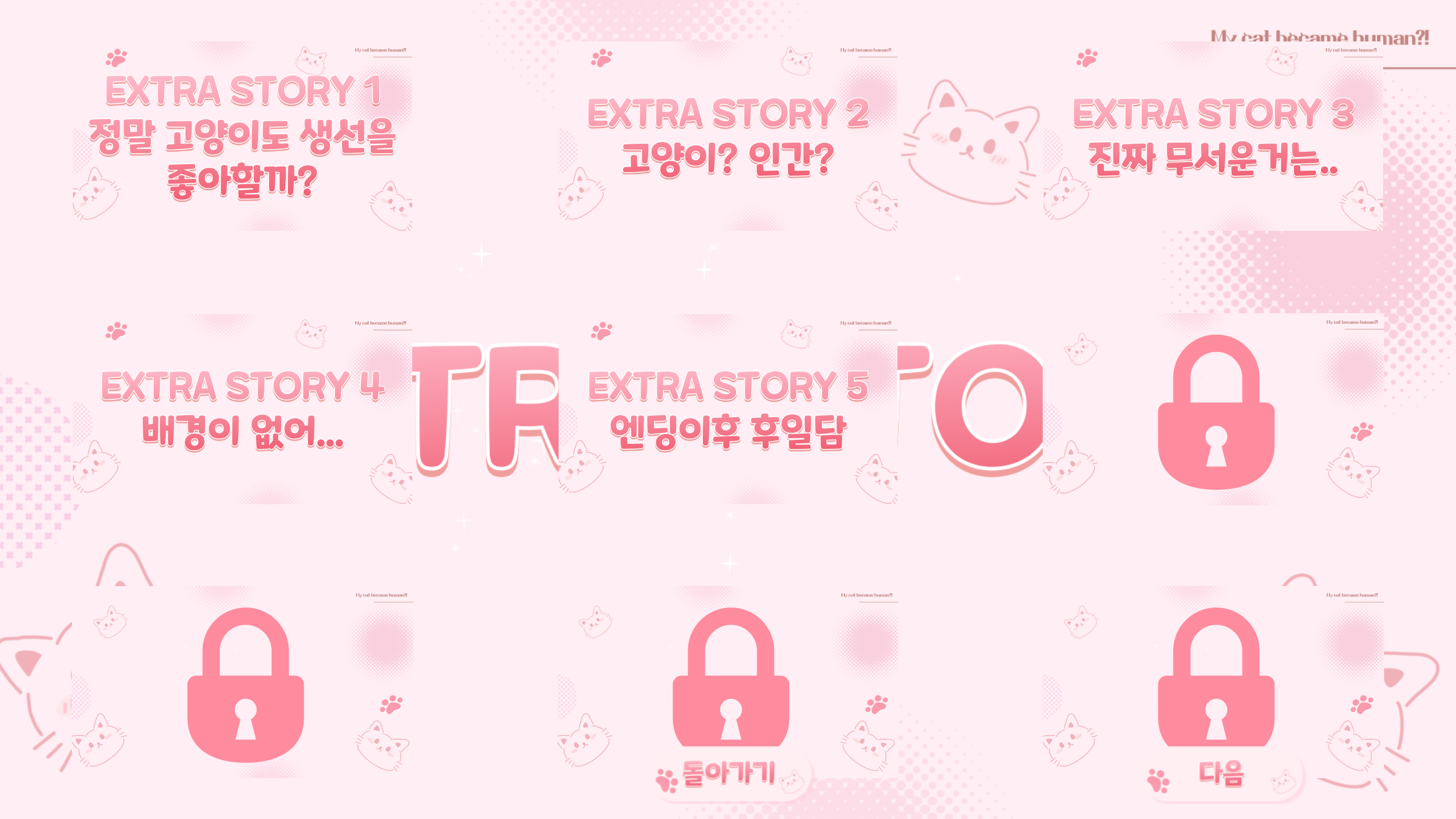
The "추가스토리" screen will automatically unlock when you achieve either the Good Ending or the True Ending.
In "Credit" you can see various sources.
"???" is unlocked by playing all achievements.
Achievement Description
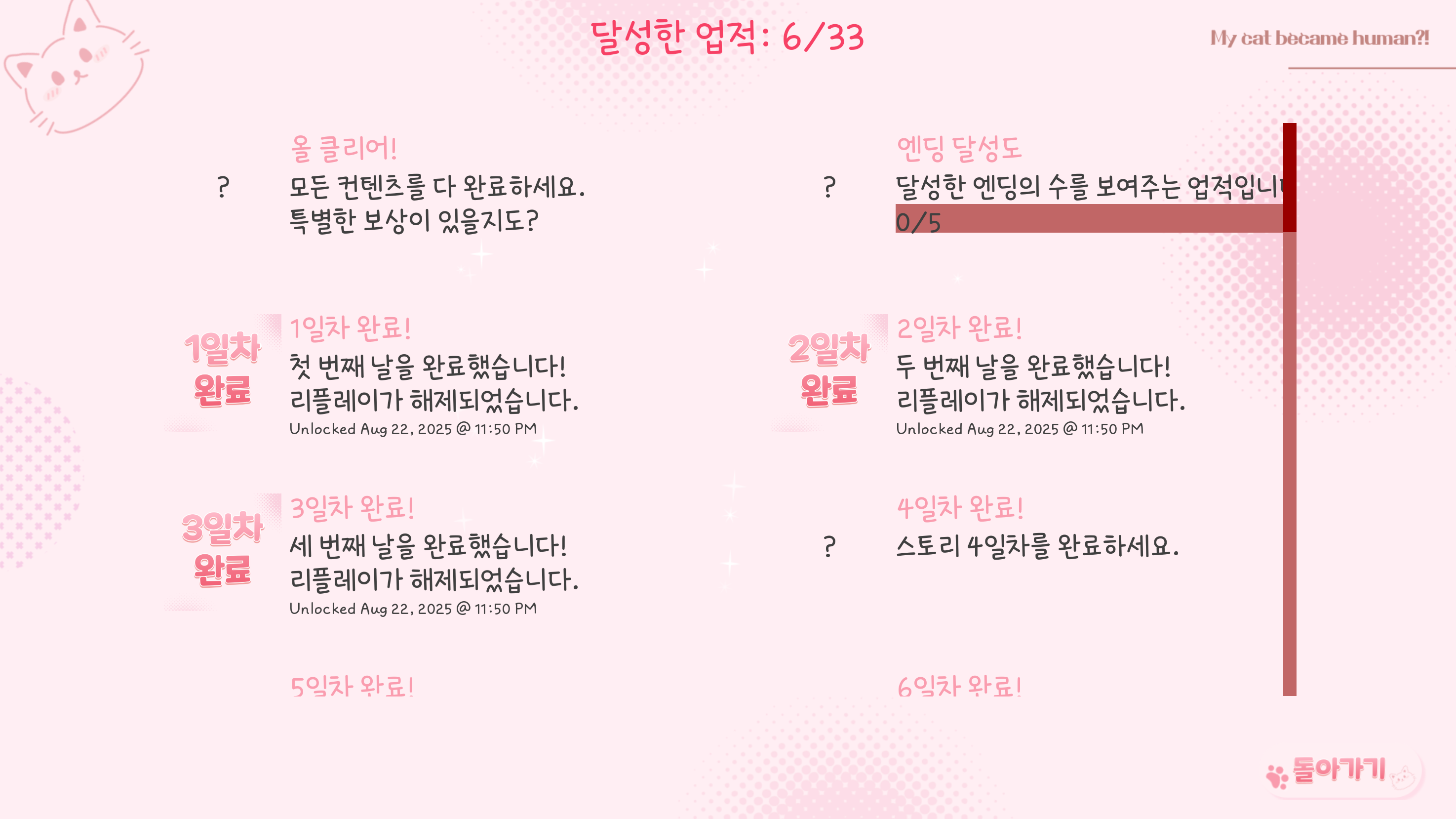
Achievements are automatically earned by viewing certain CGs or endings in the story, playing the entire day, or meeting certain conditions.
Unlocking CGs, replays, and extra stories will be determined based on whether or not you achieve the achievements.
For example, if you achieve the CG 1 achievement, CG 1 will be unlocked in the CG Gallery.
Upon completing the Day 1 achievement, Replay Day 1 will be unlocked.
Technology Stack
Development Engine: Renpy 8.4.1.25072401
BGM: Dova-syndrome, Tak_mfk, 魔王魂(まおうだましい)
Image: Novel AI Image Generator
Achievement System: Feniks (https://feniksdev.com/)
Custom Shake: Baiyu
Product Reviews
Product Review GuidelinesSmilegate, Inc., Megaport Branch CEO: Sung Joon Ho Address: 7F, 55, Bundang-ro, Bundang-gu, Seongnam-si, Gyeonggi-do, Korea
Business Registration Number: 813-85-02492 Telecommunication Service Registration Number: 제2023-성남분당A-0145호
© Smilegate. All Rights Reserved.